Bad Times Pet AI Video Template
Watch a real 15-second ZoopFizz Bad Times pet dance sample.
Watch a real 15-second ZoopFizz Bad Times pet dance sample. Add one pet photo and generate your own silent vertical version.
Your Pet
Generated on ZoopFizz · 480p · 15 seconds · With soundtrack
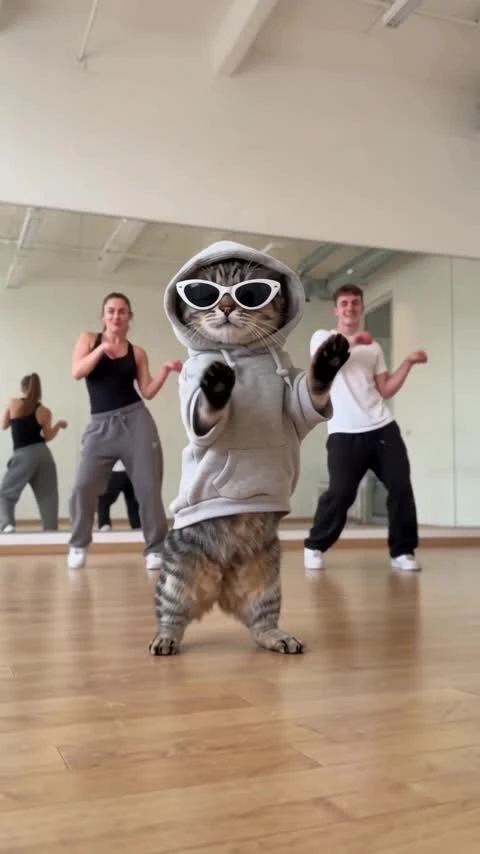
A tabby cat wearing a gray hoodie and white sunglasses dances in a home interior with gestures, turns and a close approach to the camera. This real ZoopFizz test used one user-provided photo and a fixed motion reference with Wan 3.0. The silent result is 480×854, 15 seconds and vertical. Add one pet photo to generate your own version; the server checks the reference, live model capability, account balance and price before submission.
Updated
Which photos work best
Your pet photo
One pet per photo, head to tail visible, with a clear face and sharp fur markings. Use a bright full-body photo of your dog or cat.
Keep the subject clear
Avoid group photos, hidden paws and motion blur. Clear breed and coat details help distinguish your pet.
Check the close-up
The dance approaches the lens. Check the eyes, muzzle, ears and paws when a real test is ready.
What is Bad Times Pet AI?
Bad Times is a dance concept built around confident gestures aimed directly at the camera. A pet stands upright in a home interior, bounces, raises its paws, turns and leans toward the camera with playful attitude.
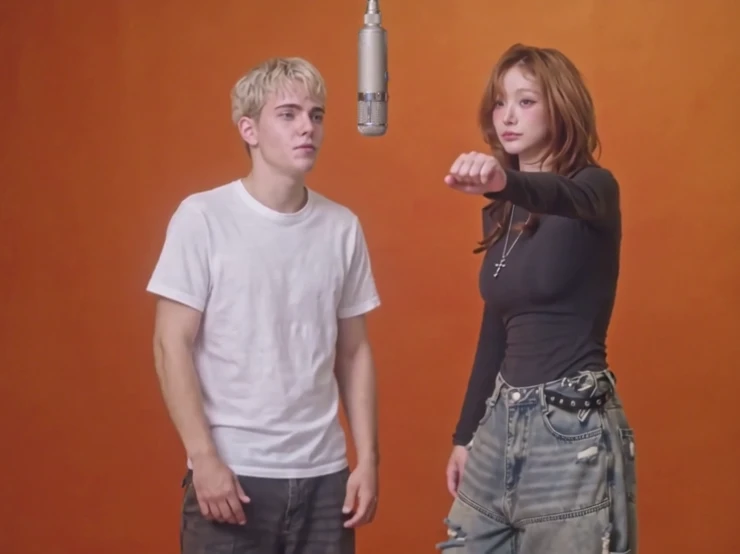
The reference listing connects the dance to Imael Angel's “Bad Times.” This page focuses on the single-pet version; the person edition has its own page and photo role.
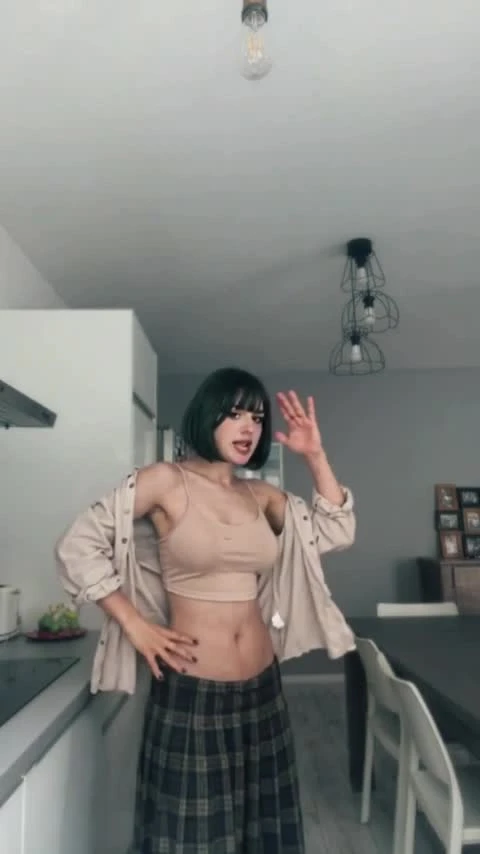
The supplied motion reference is 15 seconds, 406×720, 30fps and silent. The displayed ZoopFizz test was generated at 480×854; the showcase copy adds an audio track for display. One successful test does not guarantee exact motion or identity preservation for every photo. Social popularity and completion time have not been independently verified.
How to Make a Bad Times Pet AI Dance Video from One PhotoHow to make it
- 01
Watch the sample
Watch the real 15-second ZoopFizz pet sample above: gestures, turns and the close approach to the camera.
- 02
Add one photo
One pet per photo, head to tail visible, with a clear face and sharp fur markings. Use a bright full-body photo of your dog or cat.
- 03
Add your photo
Confirm permission, add one pet photo and keep the selected direction. The image stays local until you choose Create.
- 04
Generate and review
Create the silent 15-second clip, then inspect fur markings, muzzle, paws, accessories, body proportions and movement. Add suitably licensed music separately if needed.
AI video template or filming it yourself
Compare the starting material, control and finishing work before you choose.
| Consideration | AI video template | Filming it yourself |
|---|---|---|
| Input | One pet photo | A camera, location and a performance |
| Routine | Fixed Bad Times motion direction; exact reproduction unverified | Perform and edit every gesture yourself |
| Sound | Silent video; add licensed audio separately | Record or add audio with suitable rights |
| Availability | Available at 480p with a template-video entitlement; 720p uses credits | Depends on filming and editing |
Frequently asked questions.
Can I generate Bad Times Pet AI now?
Yes. Add one pet photo, confirm permission and choose Create. ZoopFizz checks the fixed reference, live model capability, your template-video balance or credits, and the exact price before accepting. If you do not have a template video, the page offers the 1, 3 or 5 video packs.
Which photo should I use?
One pet per photo, head to tail visible, with a clear face and sharp fur markings. Use a bright full-body photo of your dog or cat.
How many photos are required?
One pet photo. This page has one required pet slot; the person edition is a separate template.
How long is the video?
The displayed ZoopFizz sample is 15 seconds, 480×854 pixels and vertical. It was requested at 480p with a 9:16 aspect ratio. The draft uses 15 seconds and 9:16; HD has not been tested.
Does it include the Bad Times song?
The displayed showcase copy carries an audio track. The generation draft is still silent, so add a track licensed for your intended use in your editing or publishing app.
How many credits does it cost?
Template video packs cover 480p generation: $7.99 for one, $19.99 for three or $29.99 for five. A separate credit price of 750 SD / 1,500 HD applies when using credits; Starter and Pro pay 375 / 750, and Unlimited pays 225 / 450. The page confirms the exact entitlement or credit cost before submission.
Is this a ZoopFizz-generated sample?
Yes. It was generated on ZoopFizz with Wan 3.0 from one user-provided pet photo and a fixed motion reference, then reviewed for this local page.
When is the photo uploaded?
The preview stays in this browser while you prepare the draft. Choosing Create uploads the selected photo and the server-managed fixed reference for generation.
Does it work with cats as well as dogs?
The displayed test uses a tabby cat. The template accepts one dog or cat photo, but this Bad Times test does not establish dog-specific results.
Will the result match the reference exactly?
No exact match is promised. Fur markings, body shape and paws may drift, especially near the lens. Review the complete test video.