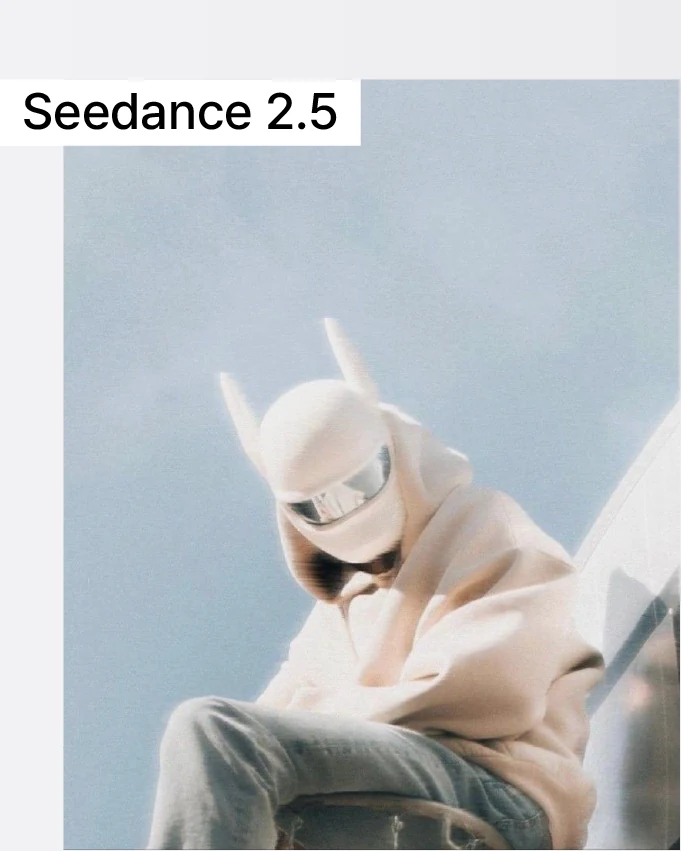
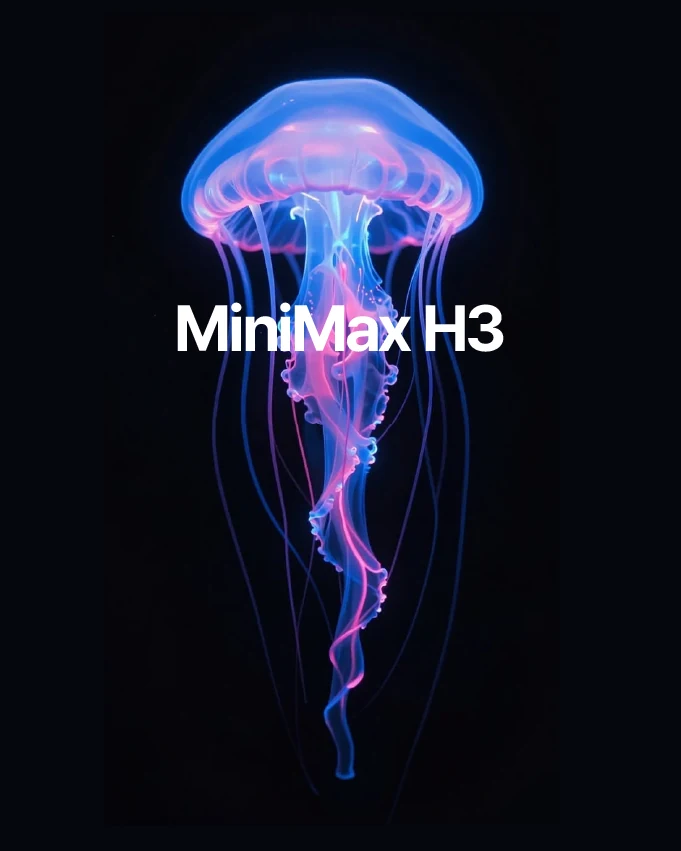
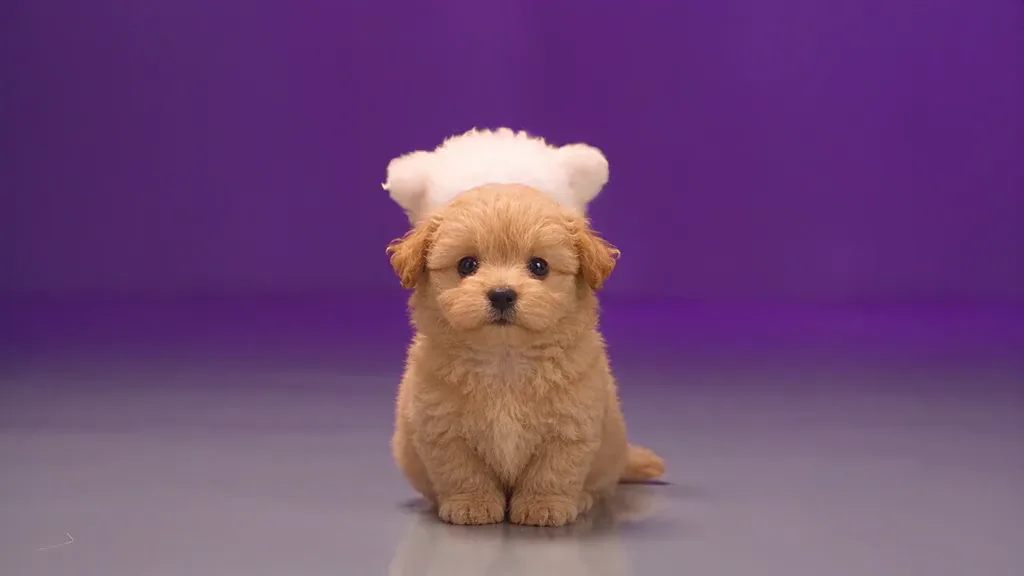
Social videos
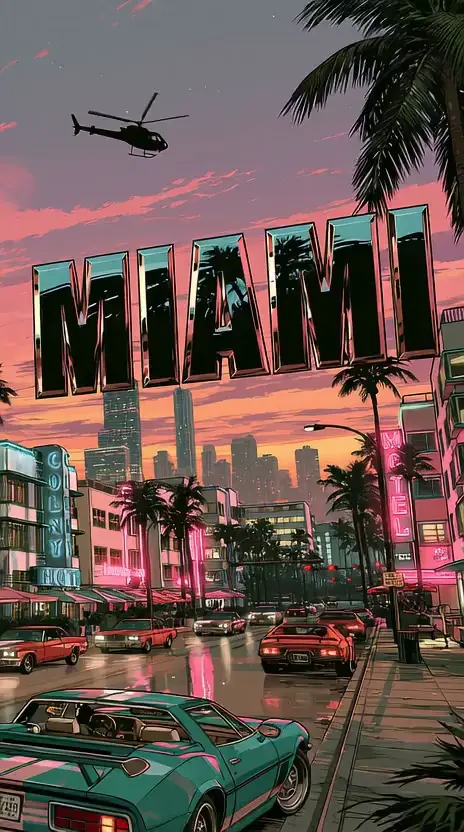
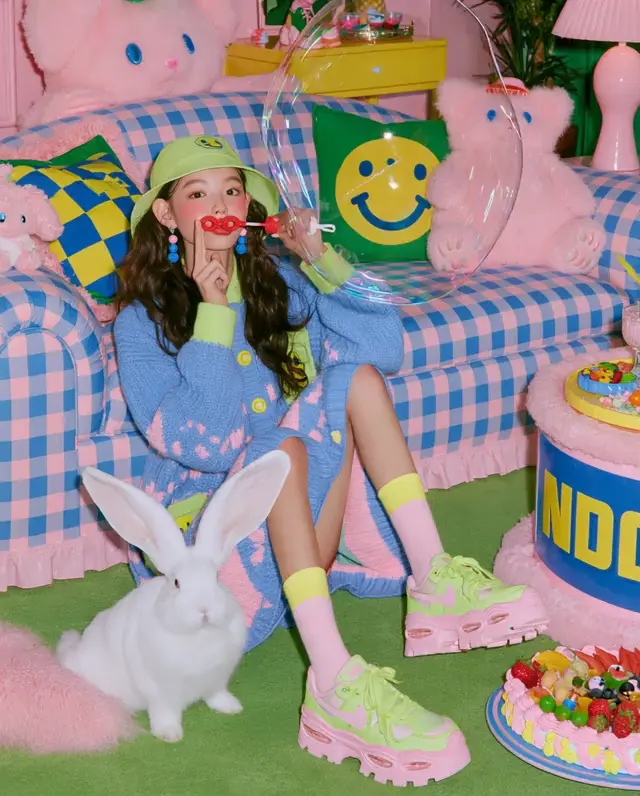
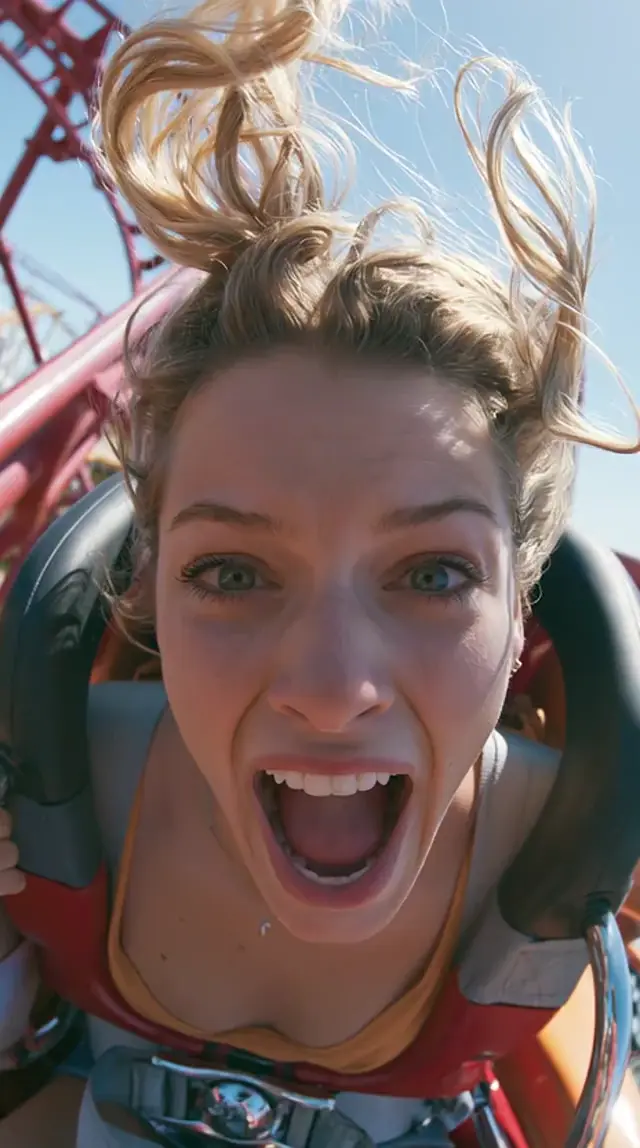
A fresh perspective for the feed. Make a moment that earns a second look.
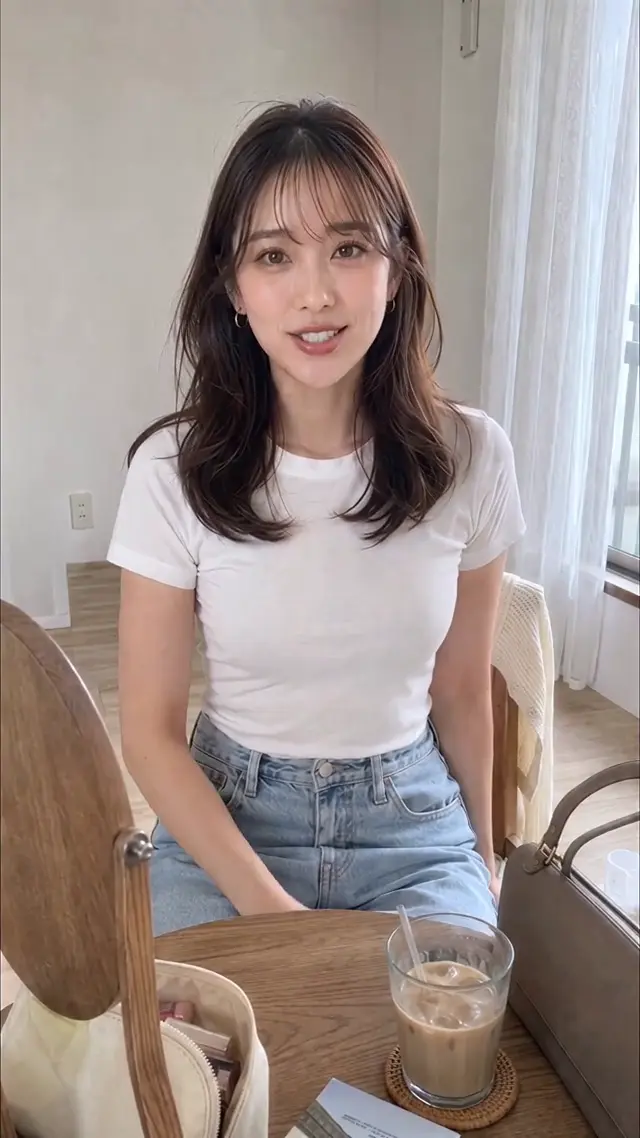
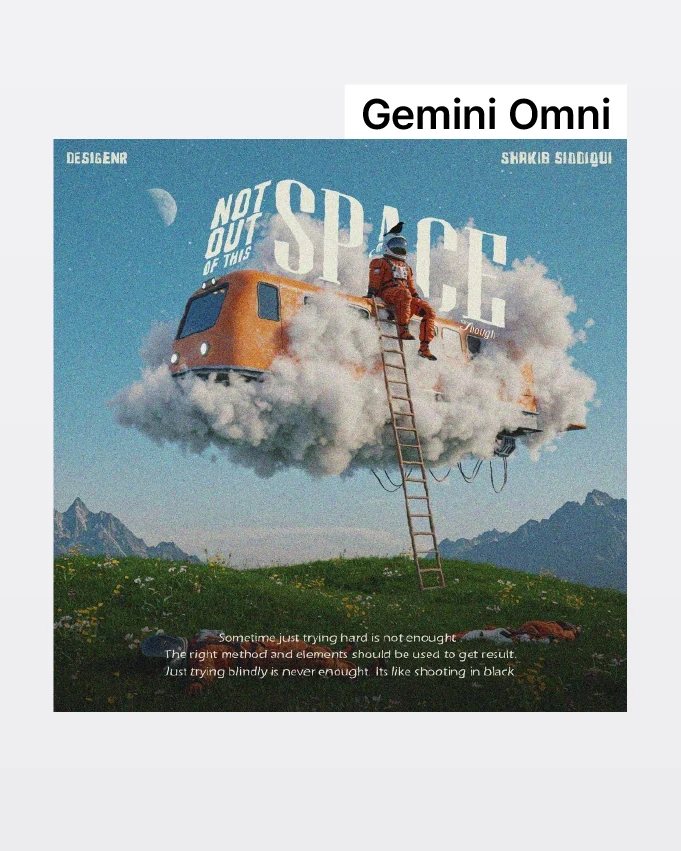
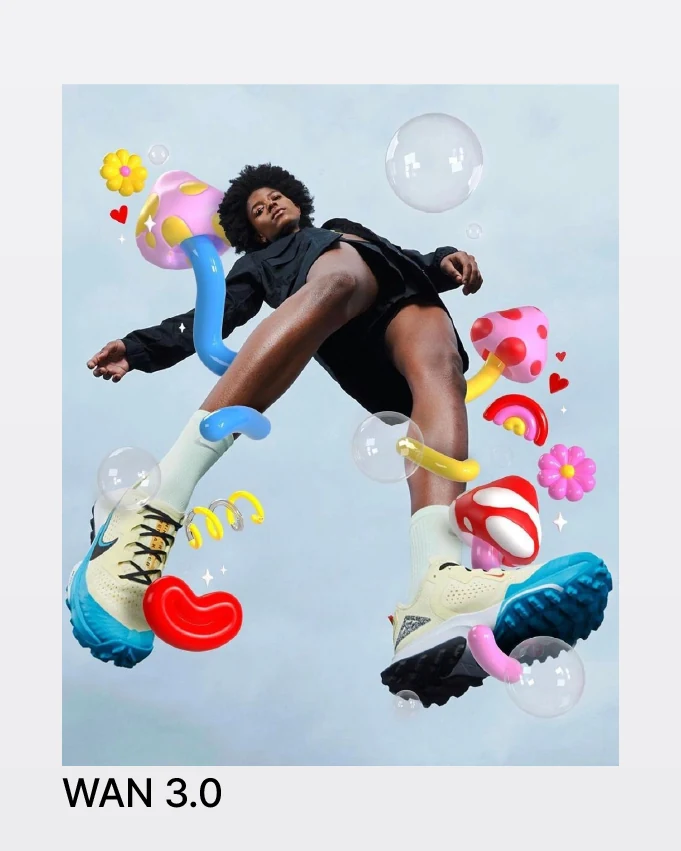
AI video templates for TikTok and Reels. Pick a look, add your photo, make it move.
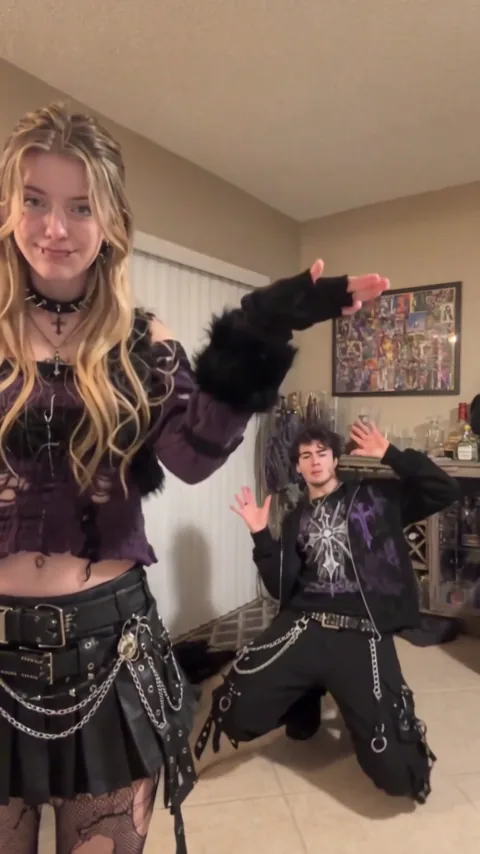
8 s · 9:16 · 1 styles
Explore this AI template
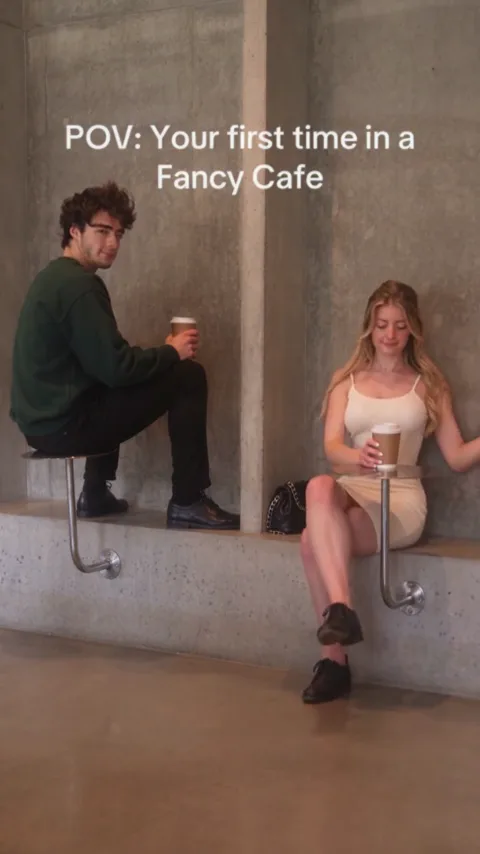
15 s · 9:16 · 1 styles
Explore this AI template
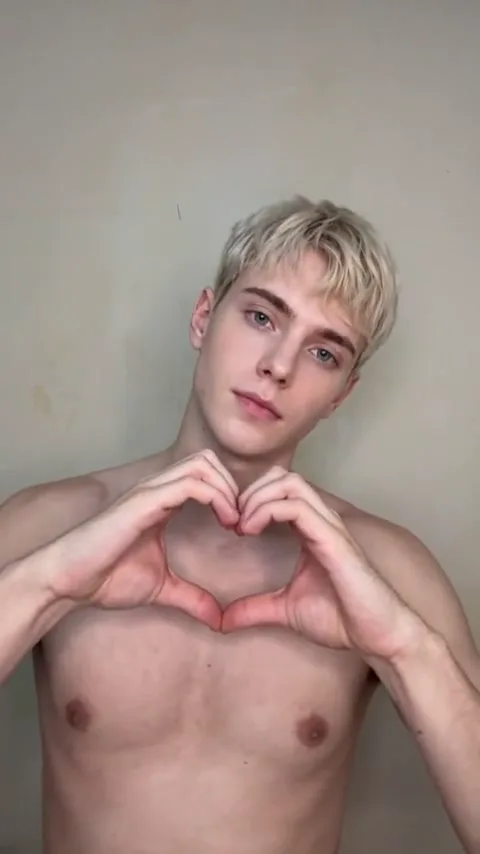
7 s · 9:16 · 1 styles
Explore this AI template
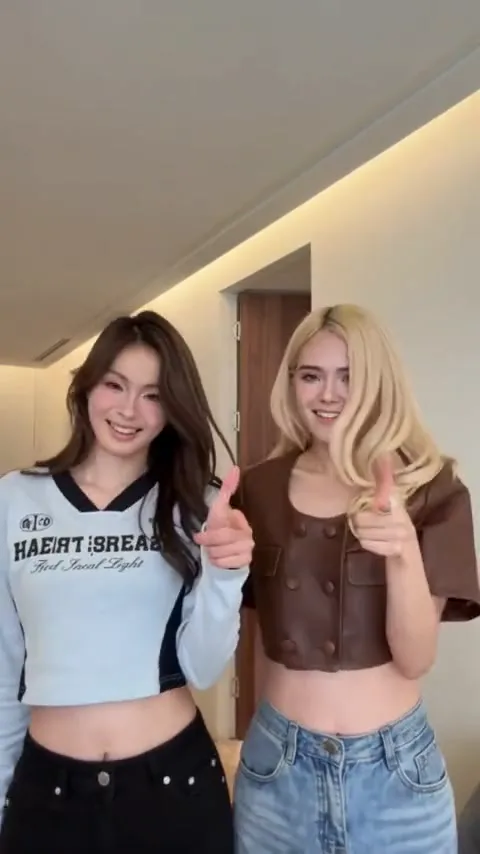
15 s · 9:16 · 1 styles
Explore this AI template
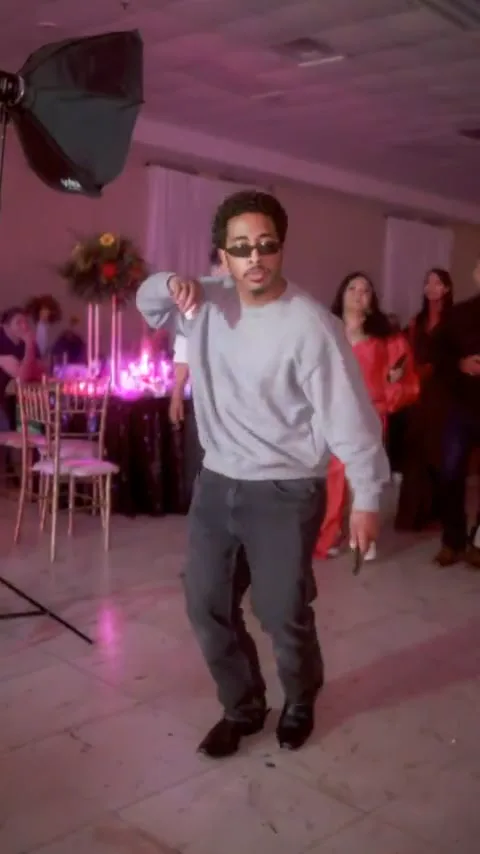
15 s · 9:16 · 1 styles
Explore this AI template
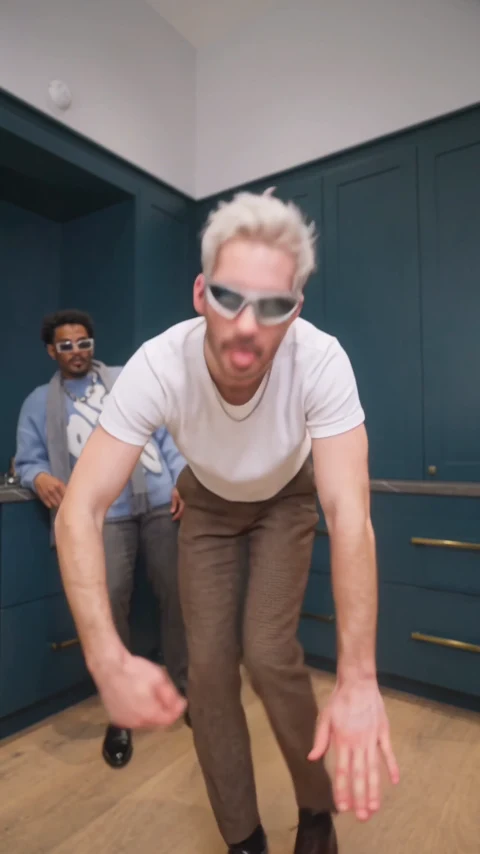
15 s · 9:16 · 1 styles
Explore this AI template
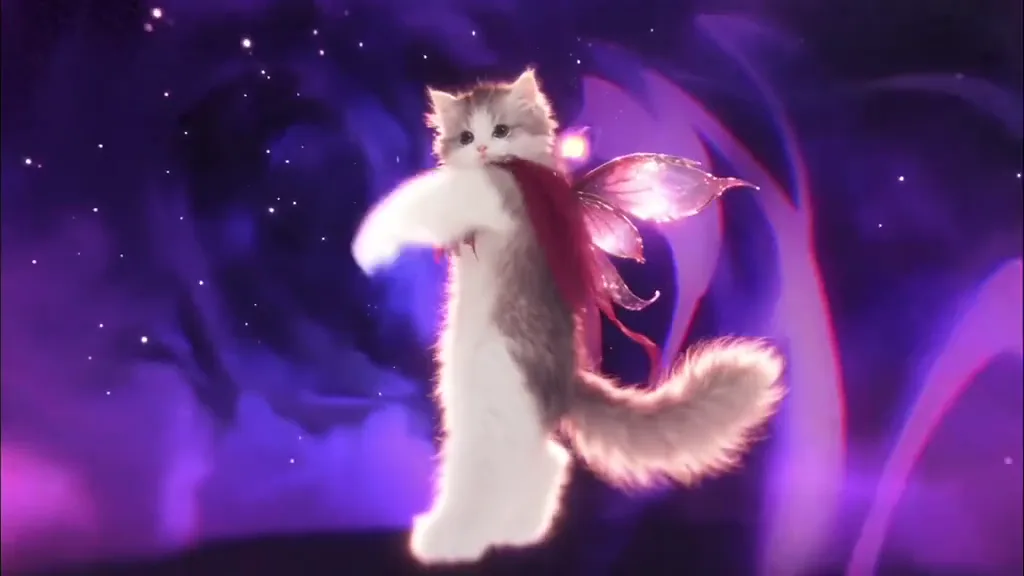
14 s · 16:9 · 1 styles
Explore this AI template
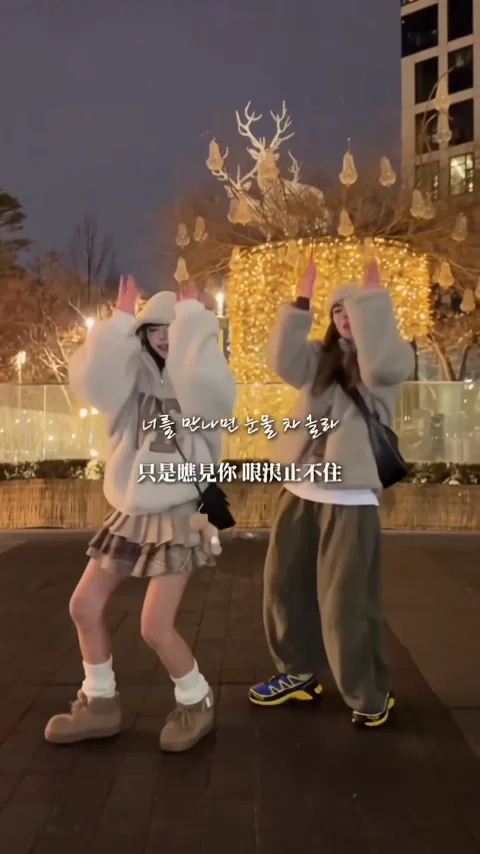
13 s · 9:16 · 1 styles
Explore this AI template
Original prompt concepts. Ready to make your own.
Turn a photo or an idea into a video worth sharing. Start with a template, add your photos, and make your next clip with AI.
Pick a trending template. Preview the look and photo requirements.
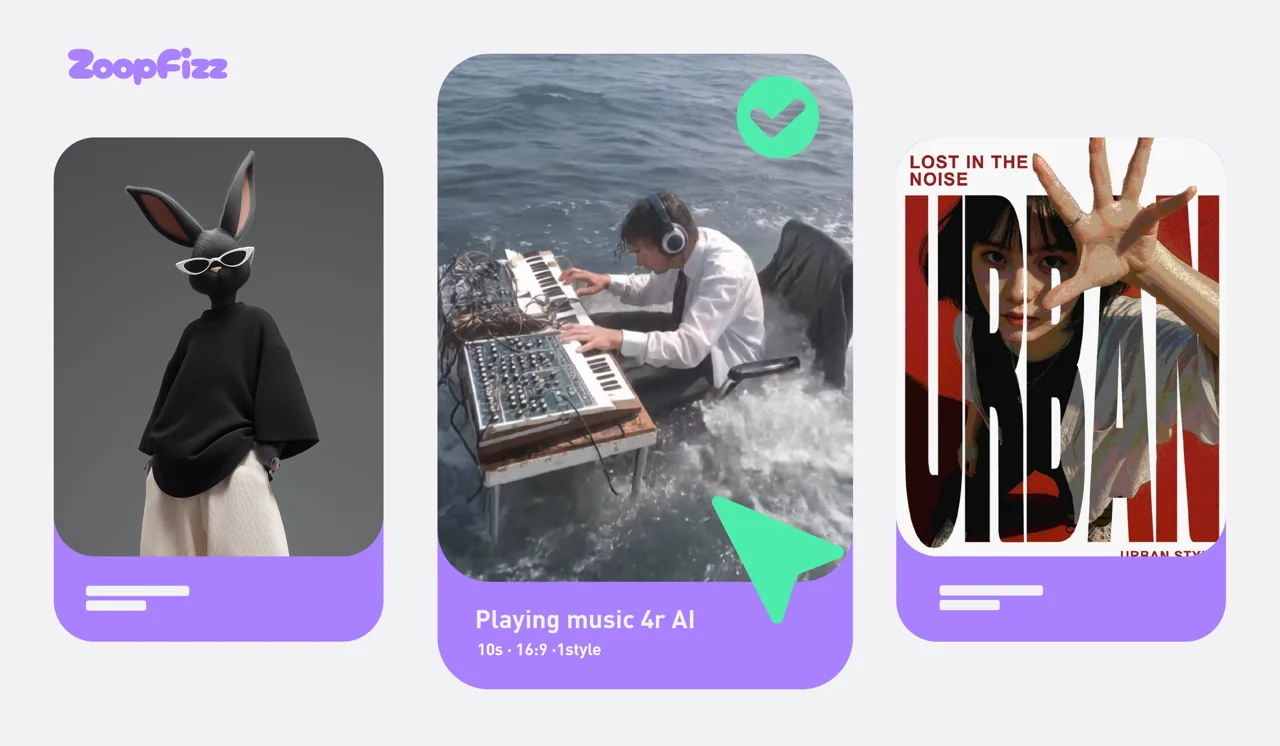 Read the prompt & template guides
Add photos to their roles. Review the settings and credit cost.
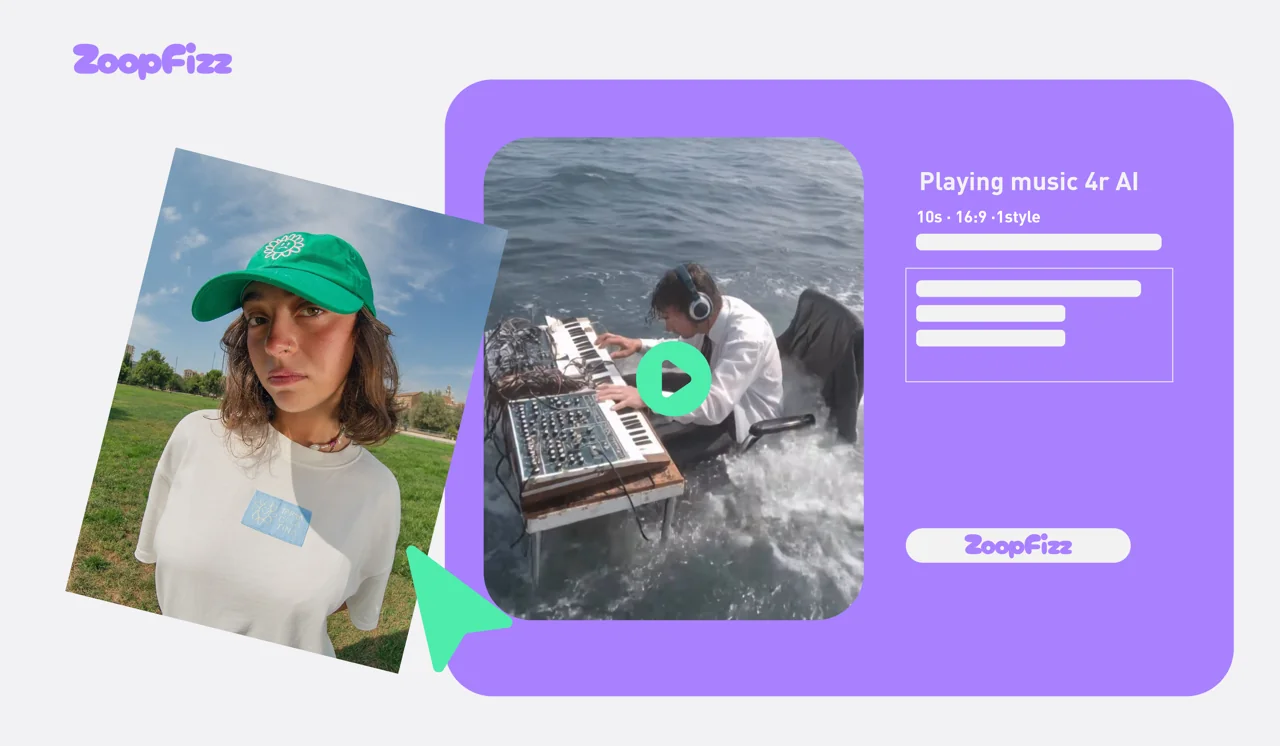 Read the prompt & template guides
Track progress in your library, then download your clip and share.
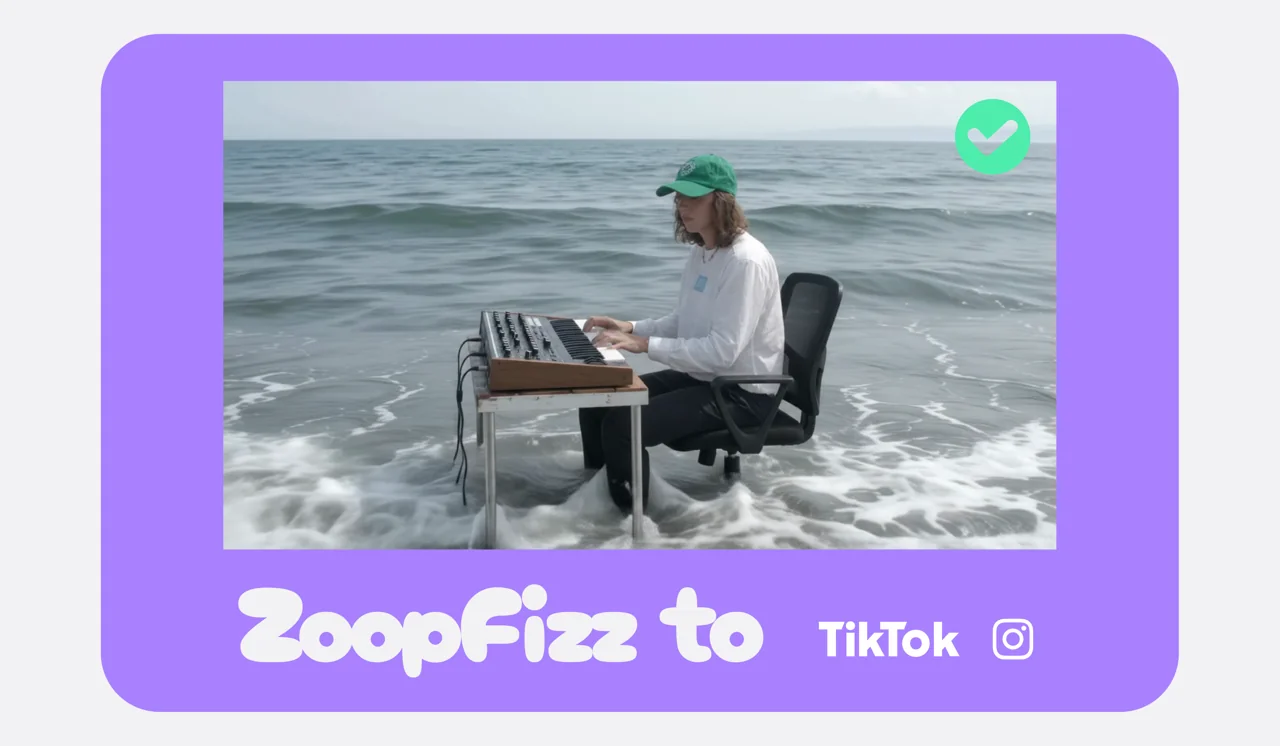 Read the prompt & template guides
Explore connected models and compare their settings. Live availability and credit requirements are checked in the generator.
Compare modelsA moment for the feed. A scene for your story.
Find your reason to make it move.
A fresh perspective for the feed. Make a moment that earns a second look.
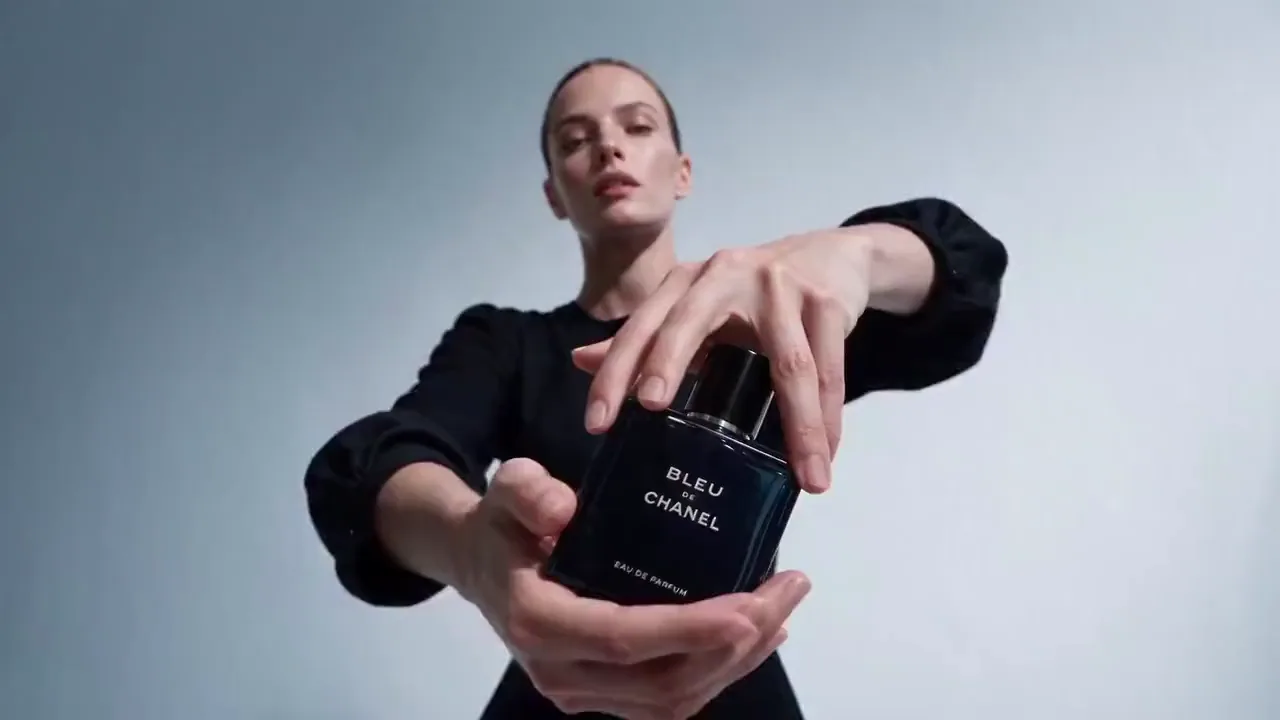
Try the unexpected angle. Explore your next creative direction.
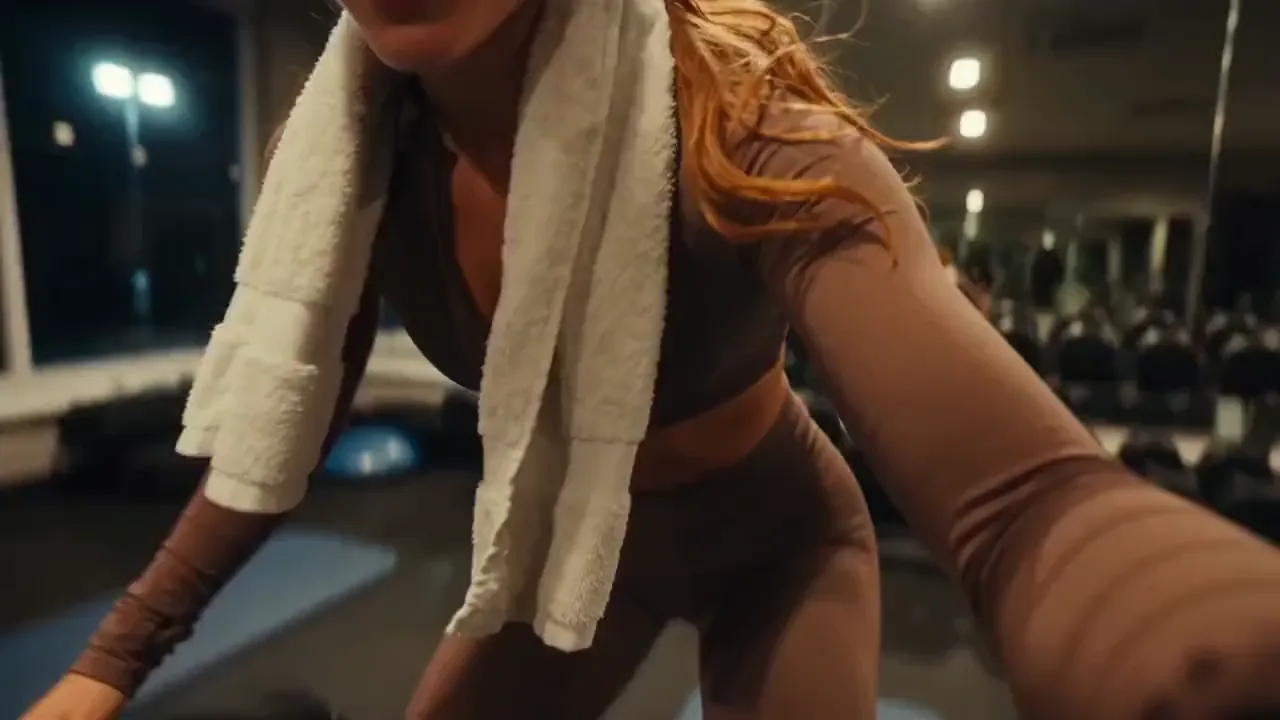
Set the scene. Build an atmosphere. Find the shot your story needs.
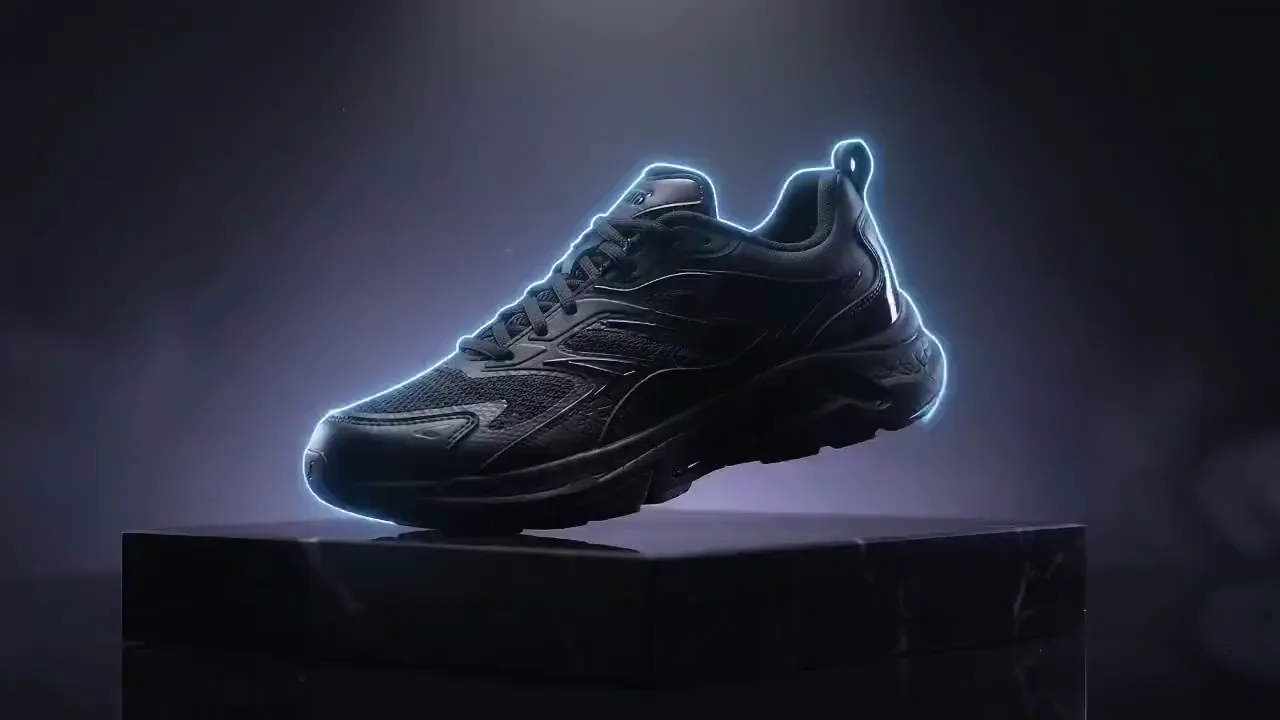
Start with a still. Give your product a little movement.
Monthly or yearly plans. One-time credit packs. Choose the way you create.
Pricing & detailsA good place to try several models
Credits refresh monthly. Renews monthly.
More credits for higher-volume work
Credits refresh monthly. Renews monthly.
Unlimited eligible settings and the largest monthly balance
Credits refresh monthly. Renews monthly.
Unlimited covers the lowest resolution and shortest length on Seedance 2.0 Mini, Grok Imagine Video (Original) and Veo 3.1 Fast. Longer clips charge only for extra seconds; higher resolutions use discounted credits. One video runs at a time. Heavy use may wait in the standard queue.
Explore all modelsCreate short video clips from a written prompt or animate a reference image. Choose a model and output specification in the studio.
The studio connects Seedance, Veo, Wan, Kling, Hailuo, HappyHorse, MiniMax and other video models. Availability and the supported settings for each model are checked before every request.
Yes. Upload a PNG, JPEG or WebP image up to 10 MB. You must have permission to use it. The selected model determines which reference inputs are supported.
Audio depends on the model and resolution. Kling, Veo, Wan, HappyHorse and other models expose different supported settings; Hailuo 2.3 is silent. Templates use silent video. Check the exact settings and credit cost before submitting.
Generation time depends on the model and current demand. You can leave the page and return to your library to check progress.
Choose a monthly or yearly plan, or a one-time credit pack. The studio shows the exact credit cost before you submit. Different resolutions and durations use different amounts.
Failed or cancelled tasks return only unexpired credits to their original expiry dates. Unknown outcomes are checked before any credits are returned.
Your uploads and generated files are private to your account. Official showcase content is published separately.
Completed videos are stored privately for 30 days after saving. We email you 3 days before removal; delayed reminders postpone deletion. Download important work and keep your own backup.
Usage rights depend on the selected model’s terms and your input rights. Check the applicable terms before commercial use.