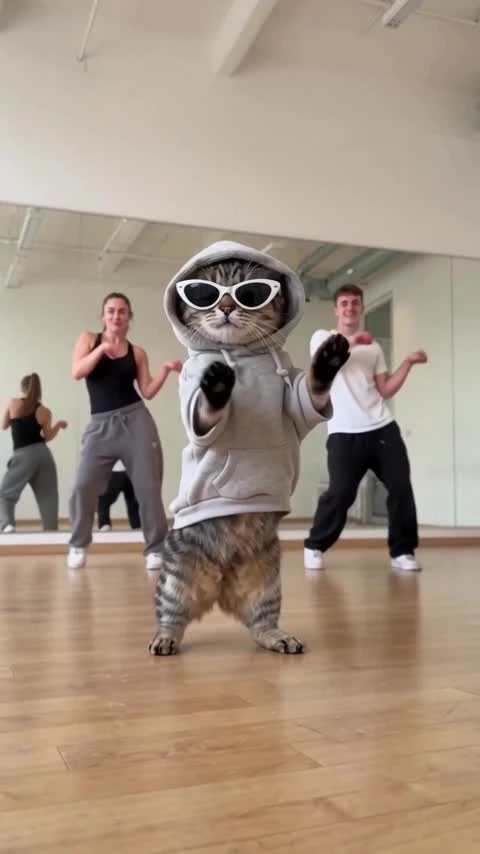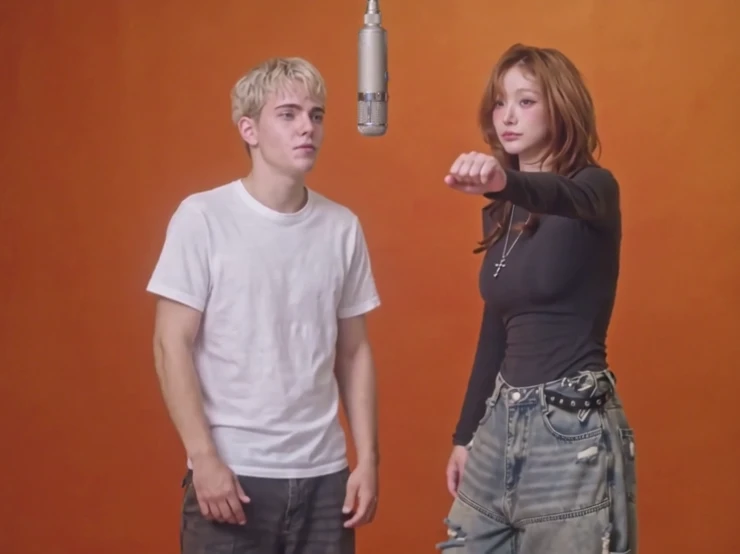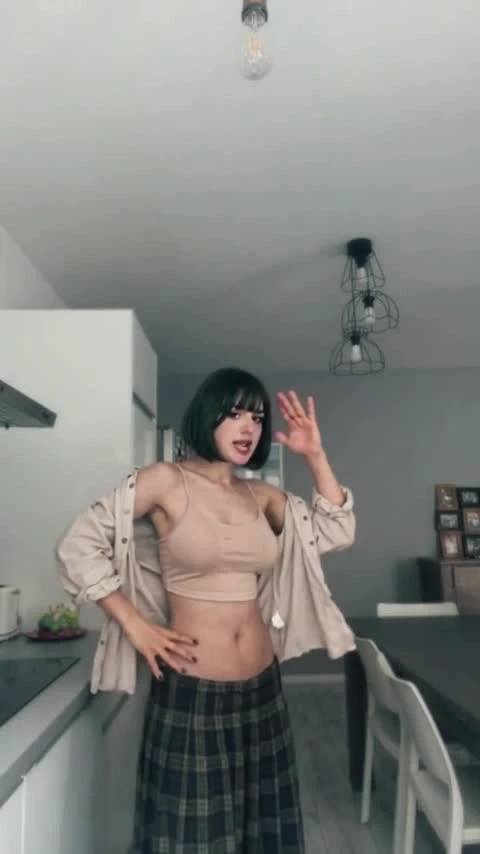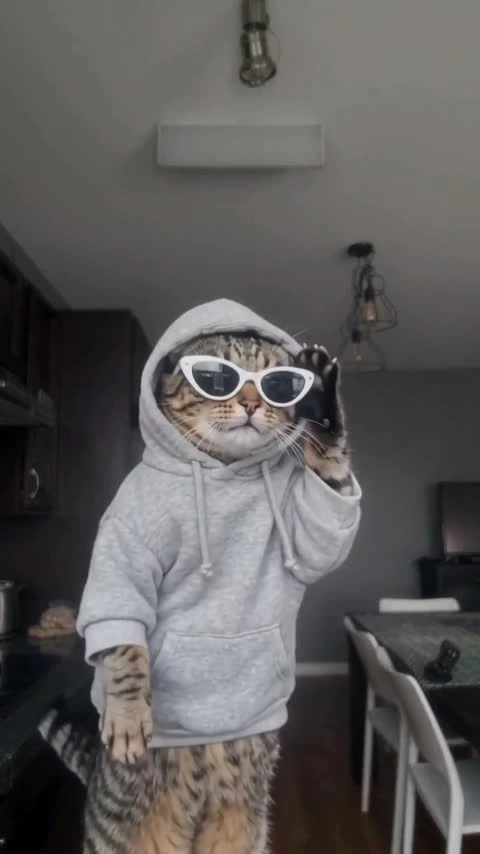
Bby Wow Guy AI Template
1 photo, 15 seconds: put your guy in the middle of the party floor.
1 photo, 15 seconds: put your guy in the middle of the party floor. Vertical video, no audio.
Party Floor
One adult dances in the middle of a night banquet floor, with round tables, gold chairs and a blurred crowd behind. 15 seconds, vertical 9:16, with music in the preview. Generated videos are silent.
Put your guy in the middle of the party with Bby Wow Guy AI. Add one clear adult photo to create a loose, shoulder-led dance with small steps, a turn and a pointed finish toward the camera. The banquet hall, round tables and blurred crowd set the scene. Your video is 15 seconds in vertical 9:16, without music, ready to download and finish in your publishing app.
Updated
Which photos work best
One clear adult
Use a photo of one consenting adult, with the face, hair and shoulders clearly visible. A half-body or full-body image works.
Avoid group photos
Only one featured dancer is replaced. More people in the photo do not add dancers to the scene.
Face and clothing
Choose even lighting and avoid heavy filters. The template sets the scene; faces, clothing and body details can vary.
Permission first
Use your own photo or one you have permission to upload. This template is for adults only.
What is the Bby Wow Guy AI dance?
The Bby Wow Guy format turns one dancer into the center of a night reception. Small steps, side-to-side weight shifts and loose arm swings keep the movement casual, while the handheld camera gives it the feel of a spontaneous party moment.
Your photo changes the main dancer. The template supplies the banquet-floor setting, surrounding tables and background guests, so you do not need a venue or a dance video of your own.
How to make it
- 01
Choose one adult photo
Pick a sharp image with a clear face. A half-body photo is enough.
- 02
Add your dancer
Place the photo in the main-dancer slot and confirm permission.
- 03
Create the party dance
Choose SD or HD, review your account price and select Create for a 15-second vertical video.
- 04
Download and add music
Check the face, hands, feet and turn, then download the silent clip and add licensed music.
AI video template or filming it yourself
Compare the starting material, control and finishing work before you choose.
| Consideration | AI video template | Filming it yourself |
|---|---|---|
| Input | One adult photo | A dancer, venue and camera |
| Movement | Template-guided dance; details can vary | Perform and record the routine |
| Format | 15 seconds, vertical 9:16, silent | Choose your own framing and edit |
| Music | Add a licensed track after download | Record or add licensed sound |
Frequently asked questions.
How do I make a Bby Wow Guy AI video?
Add one adult photo, choose SD or HD, confirm permission and review the price. Select Create, then download the finished clip and add music.
How many photos do I need?
One photo of one consenting adult. Background guests remain part of the party scene; a group photo does not add another dancer.
Does it include the music?
No. Generated videos are silent. After downloading, add music in TikTok, Reels or your editor. Choose a track licensed for your account and intended use; the preview soundtrack is not included or licensed for reuse.
How long is the video?
The video is 15 seconds in vertical 9:16. Choose SD (480p) or HD (720p).
Can I change the venue or crowd?
The banquet hall, tables, lighting, background guests and camera direction are fixed by the template.
Is this a face swap?
It creates a new video using your photo for the dancer and the template for the motion and scene, rather than editing the face in a video you upload.
Will the face match exactly?
Faces, hands and clothes can change, especially during turns. Review the whole video before sharing.
How much does it cost?
750 credits at SD (480p) or 1,500 at HD (720p); Starter and Pro pay 375 / 750 and Unlimited pays 225 / 450. Template-video packs include 480p videos: $7.99 for one, $19.99 for three or $29.99 for five. Your account price is shown before you create.
When is my photo uploaded?
Your photo previews stay in this browser while you prepare the video. The selected photos are uploaded for generation when you choose Create. Finished videos are private to your account.