AI Pet Dance Generator
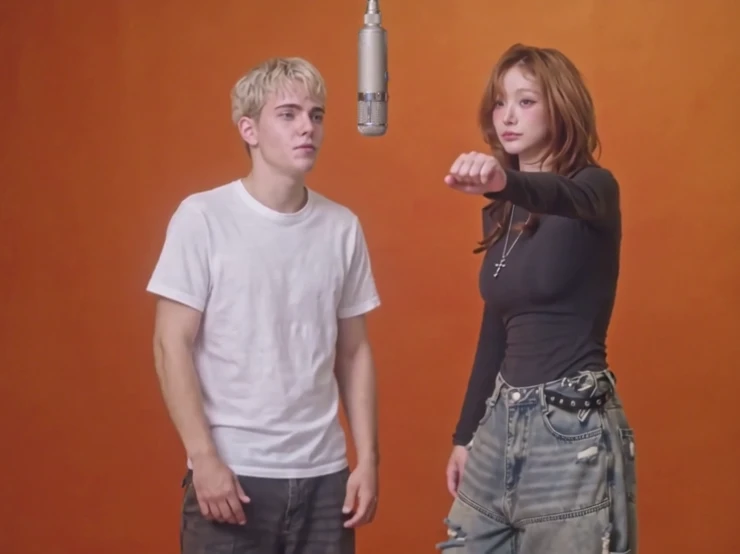
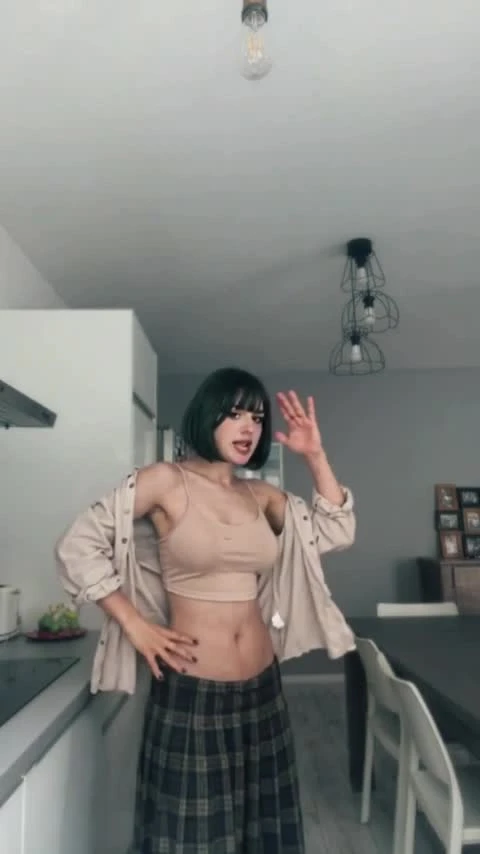
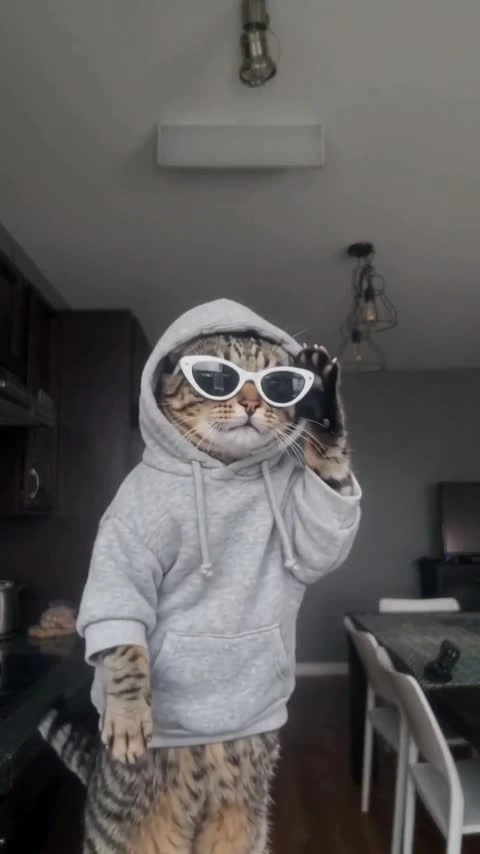
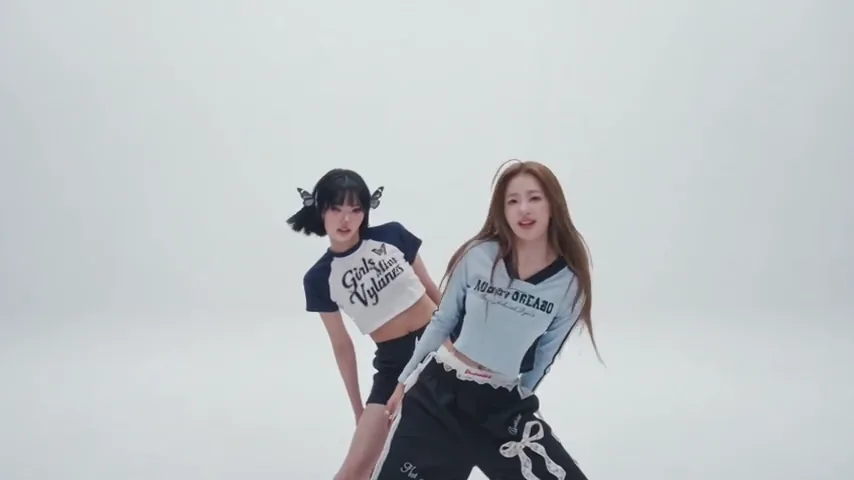
Watch a real 10-second cat dance made on ZoopFizz: a bright studio, two backup dancers, and a pet in the spotlight.
Watch a real 10-second cat dance made on ZoopFizz: a bright studio, two backup dancers, and a pet in the spotlight. Upload your pet photo and create your own version.
Dance Studio
Generated on ZoopFizz · 480p · 10 seconds · Silent
AI pet dance turns a familiar dog or cat photo into a playful dance idea: your pet at the center of a studio, moving on its hind legs with two backup dancers. The sample was generated on ZoopFizz using Wan 3.0, a user-provided tabby cat photo and an authorized dance reference: 10 seconds, 480p and silent. The cat pilot has been accepted. AI Pet Dance and the six featured templates are open for reference generation; live supplier, account and price checks still apply. Choreography and likeness can vary.
Updated
Which photos work best
Head to paws
Keep the whole pet in frame, including ears, tail and paws. A cropped body gives the model less information for the dance.
One pet, clear light
Choose a sharp daylight photo with one animal and an uncluttered background. Keep eyes, coat color and distinctive markings visible.
Dogs and cats first
A clear dog or cat photo is a practical starting point. Other animals may be less predictable; this preset has not yet been tested across breeds or species.
A pet photo, not a portrait
This prompt is written for an animal. Use your own pet photo or one you have permission to upload; use a different template for people.
What is the AI pet dance trend?
AI dog dance, dancing dog AI and AI cat dance describe the same playful format: an animal appears to stand and perform human-like choreography. A calm pet expression against serious backup dancers creates the joke, with the animal still recognizable from its coat, face and markings.
This Dance Studio direction asks for a small sway, a slow turn, a body roll and a paw gesture. A full-body reference gives the model more information about the pet’s legs and proportions. It is an animation concept; you do not need to train or pose your animal to perform it.
The workflow uses the photo for pet identity and a fixed reference video for movement. The displayed cat sample preserves the tabby markings, gray hoodie and white sunglasses and shows crouches, upright paw gestures and bouncing with two backup dancers. Timing and proportions differ from the reference; the sample does not establish an exact routine for every pet.
How to Make an AI Pet Dance Video from a PhotoHow to make it
- 01
Upload your pet
Choose one permitted PNG, JPEG or WebP up to 10 MB, showing the whole animal. The preview stays local at this stage.
- 02
Review Dance Studio
Read the preset: 10 seconds, vertical 9:16, no music. The photo and fixed reference stay with this template page.
- 03
Confirm settings and credits
Confirm consent and check the account price before creating. If the balance is short, the payment window opens without discarding the photo.
- 04
Download and add sound
After a successful generation, preview the result in your private library and download it. Add licensed music in TikTok, Reels or Shorts.
AI video template or filming it yourself
Compare the starting material, control and finishing work before you choose.
| Consideration | AI video template | Filming it yourself |
|---|---|---|
| Starting material | One permitted pet photo | A pet, a safe location and a camera |
| Movement | Photo-and-video reference workflow; paws and anatomy may vary | Capture movements your pet makes naturally |
| Time | Queue and model dependent; no guaranteed completion time | Filming and editing depend on the footage |
| Sound | Add licensed music after download | Record or add licensed music during editing |
| Cost | 750 SD / 1,500 HD credits before plan discounts | Your filming and editing costs |
Frequently asked questions.
Is the preview a ZoopFizz result?
Yes. The playable sample was generated through ZoopFizz with Wan 3.0 using a user-provided tabby cat photo and an authorized self-made dance reference, and approved for display. It is 480×854, 10 seconds and silent. The poster is a frame from that same video.
Is the AI pet dance generator free?
Template video packs cover 480p generation: $7.99 for one, $19.99 for three or $29.99 for five. When using credits, template pricing is 750 credits at 480p or 1,500 at 720p HD; Active Starter and Pro plans pay 375 or 750, and Unlimited pays 225 or 450. The generation page confirms your account price before submission. Creating a draft is free; generation is not.
Does it work for cats as well as dogs?
The prompt is written for either a dog or a cat. Use a sharp full-body photo of one pet. The displayed pilot was tested with a cat. Dogs and other breeds have not been separately validated; results across breeds and species are not guaranteed.
Can I upload a photo of a person?
This preset is designed for pets, not people. Choose a pet image. The upload validates file format and size; it does not automatically prove that the subject is an animal.
Will it look like my pet?
The prompt asks to preserve breed, coat, markings and face. Small details, limb count or anatomy can still change. Review the finished clip before sharing.
Is this the AI dog dance trend?
It uses the pet-standing-and-dancing format also searched as dancing dog AI and AI cat dance. The accepted cat sample demonstrates the direction, with variation in timing and anatomy rather than exact choreography.
How do I add the TikTok sound?
The preset is silent. After downloading, upload the clip to TikTok, Reels or Shorts and choose audio in that app. Check that the sound is licensed for your account and intended use.
How long is the clip?
The preset is 10 seconds in vertical 9:16. SD uses 480p and HD uses 720p. The studio preserves the selected template settings and confirms the final price.
Can I generate it on ZoopFizz right now?
Yes. Add a pet photo, confirm permission, and the page checks live model and reference availability, your template video or credits, and price before submitting.
Which model and references will it use?
The tested model is Wan 3.0 in reference mode, with one pet photo and a fixed dance video selected by ZoopFizz. You will not need to upload a dance video. The page checks sufficient unexpired credits and live supplier availability before submission; results can still vary in identity and choreography.
How long does generation take?
It depends on supplier availability and queue time. One accepted pilot does not establish a typical completion time. ZoopFizz does not promise a two-minute turnaround.
When is my pet photo uploaded?
Selecting a photo creates a local preview. Continuing saves the draft in this browser. The image reaches the server and generation provider only when you submit from the generation page. Generated files are private to your account.
What happens if a generation fails?
Confirmed failed or cancelled generations restore unexpired credits once, with the original expiration date. Unknown outcomes are checked before a refund or another submission.