The First Snow EXO AI Video Template
A winter-night dance for two.
A winter-night dance for two. Add a separate photo for each person and generate a silent 13-second clip, then review the lyrics and add an authorized soundtrack in your editor.
First Snow Duo
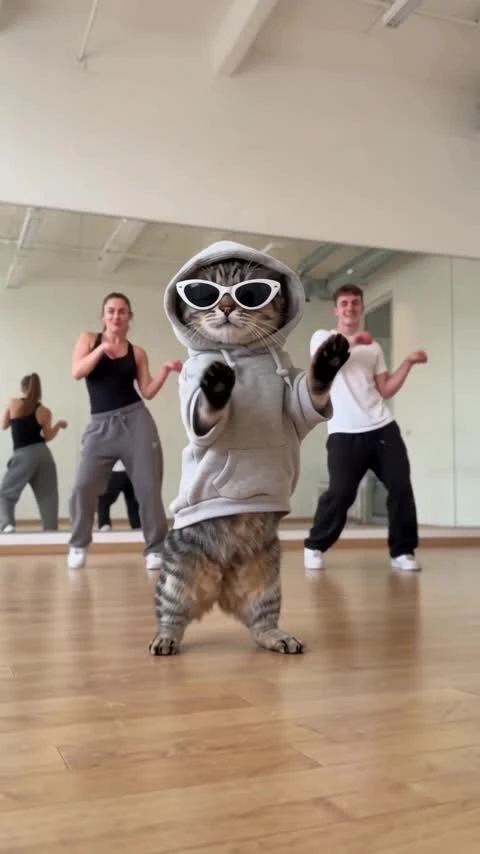
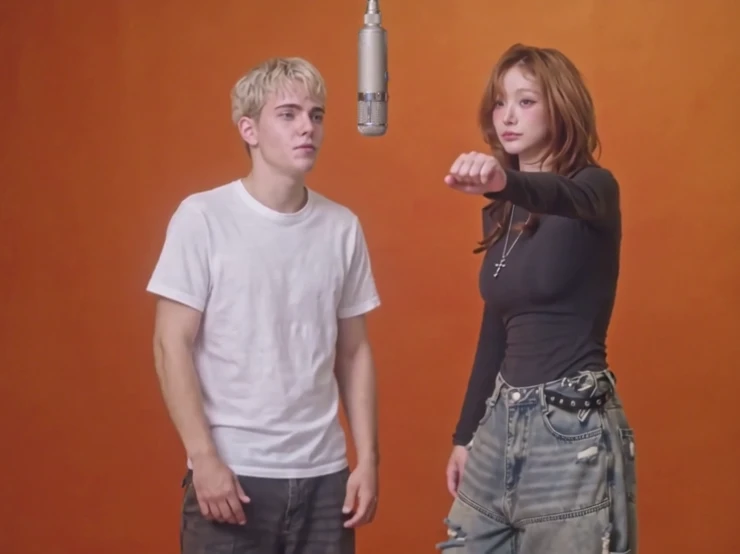
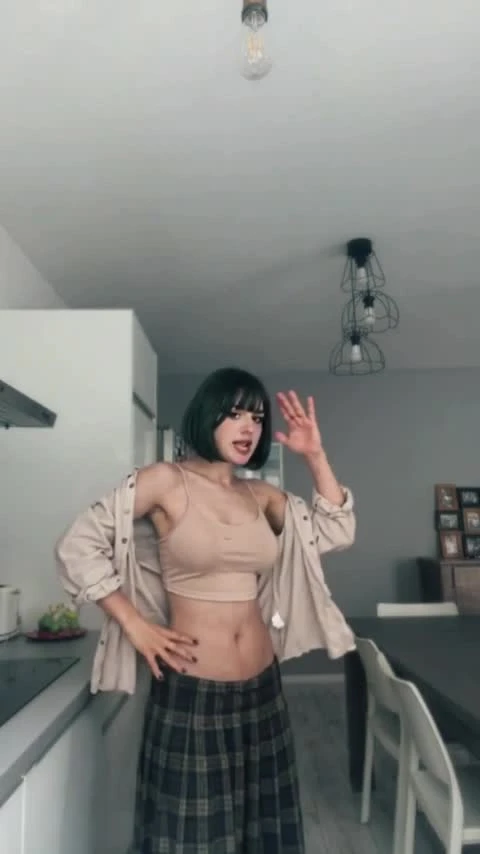
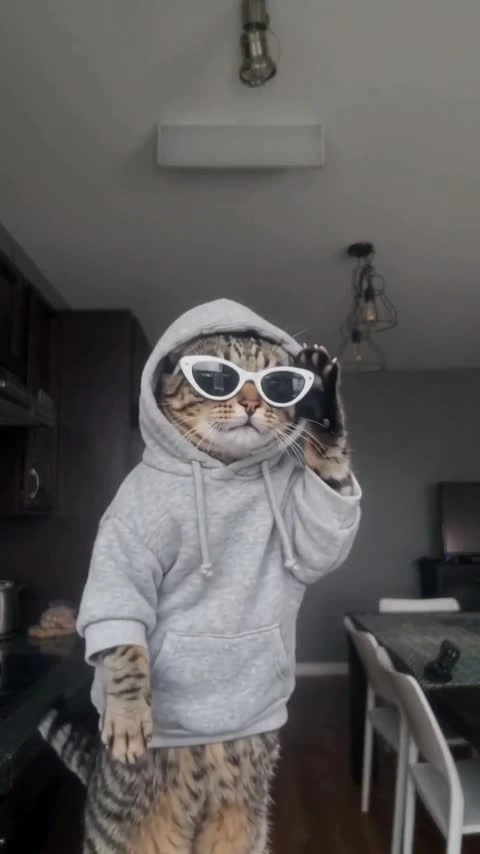
Two people dance under warm winter lights. User-provided showcase sample with center lyrics retained and the authorized original soundtrack restored. 12.1 seconds, 480×854.
The first template in the Winter collection is a two-person night dance with warm decorative lights. Upload one photo per role and generate a 13-second silent clip. The showcase keeps its center lyrics and authorized source soundtrack while the top title and bottom username are removed. It is a user-provided display sample; automatic soundtrack restoration is not part of the generated output.
Updated
Which photos work best
Left person
Photo 1 maps to the dancer on the left. Use one clear face, with winter clothing visible.
Right person
Photo 2 maps to the dancer on the right. Use a separate image rather than a shared group photo.
Distinct identities
Keep hair, face and accessories visible. A hood or knit hat is supported as a visual reference but can obscure facial details.
A First Snow dance for the Winter collection
Two dancers begin close to the camera before stepping back into a synchronized full-body routine under golden winter lights.
The Winter collection groups seasonal templates by setting. This first entry is a two-person First Snow direction; no social popularity or publication date has been verified.
Identity generation and the finishing edit are separate: the model request is 13 seconds and silent, then the accepted output must be cut to the authorized source timeline with its soundtrack restored. Middle-lyric fidelity must be checked before an output is accepted.
How to Make a First Snow EXO Two-Person Dance VideoHow to make it
- 01
Preview the winter scene
Play the showcase sample. Check the two roles, retained center lyrics and authorized source soundtrack.
- 02
Add two photos
Choose a separate permitted adult image for the left and right dancers. Both are required.
- 03
Add your photos
Review the fixed scene and add a separate permitted adult image for each role. The photos stay local until you choose Create.
- 04
Review the generated clip
Verify both identities, motion and exact lyrics, trim to the reference duration and restore authorized audio in your editor before publishing.
AI video template or filming it yourself
Compare the starting material, control and finishing work before you choose.
| Consideration | AI video template | Filming it yourself |
|---|---|---|
| Input | Two separate photos and a fixed reference | Two participants, winter outfits and a camera |
| Motion | Reference-guided generation; fidelity must be reviewed | Perform and record the dance |
| Text | Remove top/bottom overlays; retain middle lyrics | Edit captions on the filmed clip |
| Audio | Restore the original source track in the final edit | Record or add an authorized soundtrack |
Frequently asked questions.
Can I generate The First Snow EXO AI now?
Yes. Add a separate permitted adult photo for each role, confirm permission and choose Create. The server checks the fixed reference, live model capability, account balance and price before accepting. The generated clip is silent; automatic audio finishing is not included.
Which photo replaces each person?
Photo 1 replaces the left dancer; photo 2 replaces the right dancer. Both separate images are required.
What text is kept?
The middle lyric lines are retained in the showcase. The top title and bottom username are absent. Generated lyric fidelity must be checked before publication.
Is the original audio kept?
The showcase restores the authorized source soundtrack on the same timeline. Generated video does not include automatic soundtrack restoration, so add that step in your editor. Use the track only where you have permission.
Why does the draft say 13 seconds?
The showcase runs 12.1 seconds. The generation request uses a whole-number 13 seconds; the final edit must be trimmed to the authorized source timeline.
Is this a ZoopFizz-generated sample?
The showcase itself is user-provided and is not presented as a ZoopFizz-generated result. Generation is available, but automatic audio restoration is not included.
Will faces, outfits and lyrics match exactly?
No guarantee is made. Two-person identity assignment, hands, clothing, motion and lyric accuracy require visual review of the generated clip.
How many credits does this cost?
Template video packs cover 480p generation: $7.99 for one, $19.99 for three or $29.99 for five. A separate credit price of 750 SD or 1,500 HD applies when using credits; plan discounts and the exact account price are confirmed before submission.
When are photos uploaded?
The preview stays in this browser while you prepare the draft. Choosing Create uploads both selected photos and the server-managed fixed reference for generation.