Bad Times Pet AI Video Template
1 pet photo, 15 seconds: let your pet dance to Bad Times.
1 pet photo, 15 seconds: let your pet dance to Bad Times. Vertical video, no audio.
Your Pet
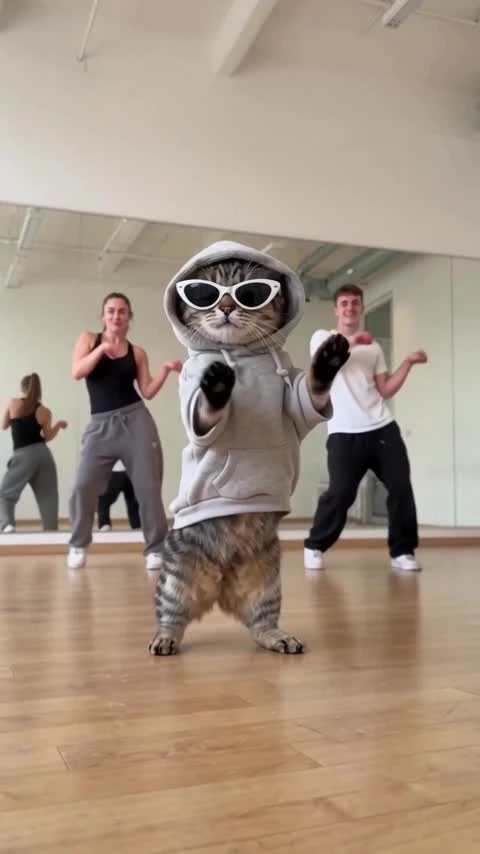
A tabby cat in a gray hoodie and white sunglasses bounces and raises its paws in a home interior. 15 seconds, vertical 9:16, with music in the preview. Generated videos are silent.
Give your pet the lead in the Bad Times dance. Add one dog or cat photo to create an upright routine with bounces, paw gestures, turns and a playful lean toward the lens. The scene is a home interior, and the video is 15 seconds in vertical 9:16. Download the silent clip and add music in your publishing app.
Updated
Which photos work best
Your pet photo
One pet per photo, head to tail visible, with a clear face and sharp fur markings. Use a bright full-body photo of your dog or cat.
Keep the subject clear
Avoid group photos, hidden paws and motion blur. Clear breed and coat details help distinguish your pet.
Check the close-up
The dance approaches the lens. Check the eyes, muzzle, ears and paws in the finished video.
What is Bad Times Pet AI?
The pet edition turns the Bad Times routine into an animal-led dance: upright bouncing, expressive paws and a confident close-up. Your pet’s face and coat markings are the details that make it feel personal.
Use a separate photo of one animal, not a group shot. The template sets the movement and home interior, so there is no need to film or teach your pet a routine.
How to Make a Bad Times Pet AI Dance Video from One PhotoHow to make it
- 01
Choose a pet photo
Use a bright, sharp photo of one dog or cat with the face, coat markings and paws visible.
- 02
Add your pet
Place the photo in the pet slot and confirm permission.
- 03
Create the dance
Choose SD or HD, review the price and select Create for a 15-second vertical video.
- 04
Review and share
Check the muzzle, paws, body shape and motion, then download and add licensed music.
AI video template or filming it yourself
Compare the starting material, control and finishing work before you choose.
| Consideration | AI video template | Filming it yourself |
|---|---|---|
| Input | 1 separate pet photo | Subjects, a location and a camera |
| Movement | Template-guided dance; details can vary | Perform and record the routine |
| Format | 15 seconds, 9:16, silent | Choose your own framing and edit |
| Music | Add a licensed track after download | Record or add licensed sound |
Frequently asked questions.
How many photos do I need?
One clear photo of one pet. A full-body dog or cat photo gives the dance more detail.
Can I use a person’s photo?
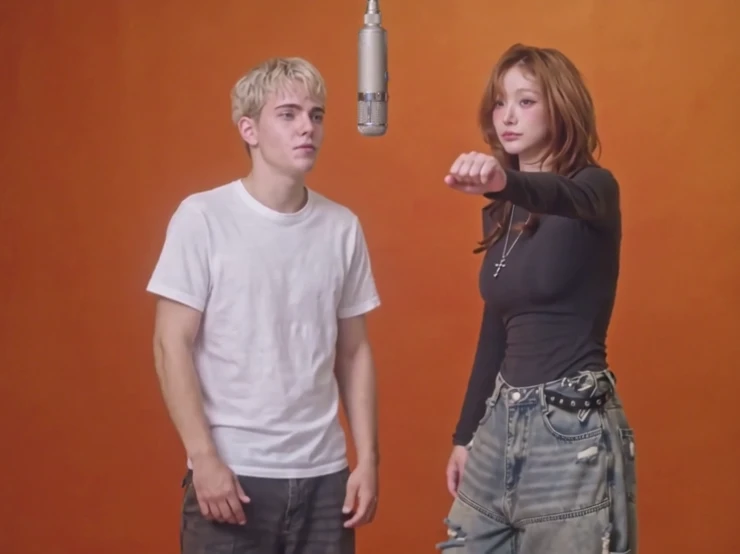
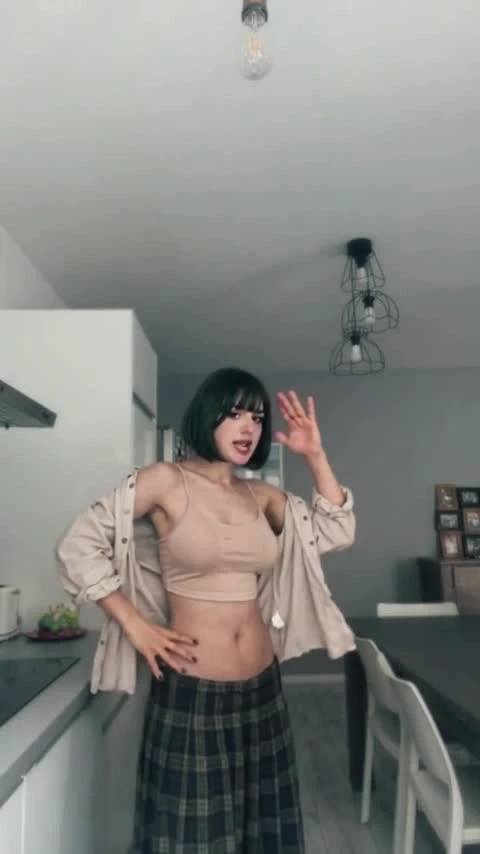
Use a pet photo here. Choose Bad Times AI for a person.
Does it work with cats and dogs?
The template is designed for a dog or cat photo. Results vary with species, body shape and the clarity of the photo.
How long is the video?
The video is 15 seconds in vertical 9:16. Choose SD (480p) or HD (720p).
Does it include the Bad Times song?
Generated videos are silent. After downloading, add music in TikTok, Reels or your editor. Choose a track licensed for your account and intended use; the preview soundtrack is not included or licensed for reuse.
Will my pet look exactly like the photo?
Coat markings, paws and body shape can change during the dance. Watch the full clip before publishing.
How much does it cost?
Template video packs include 480p videos: $7.99 for one, $19.99 for three or $29.99 for five. With credits, SD costs 750 and HD costs 1,500 before plan benefits; Starter and Pro pay 375 / 750, and Unlimited pays 225 / 450. Your price is shown before you create.
When are my photos uploaded?
Your photos stay in this browser while you prepare the video. They are uploaded for generation when you choose Create. Finished videos are private to your account.