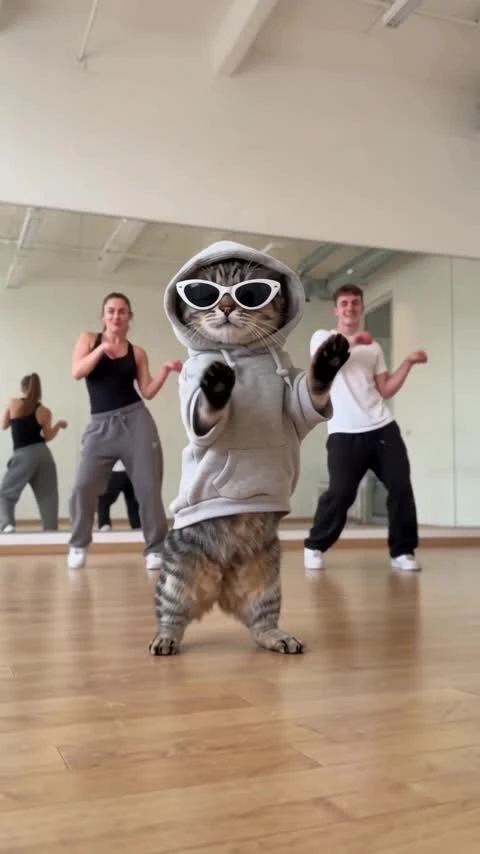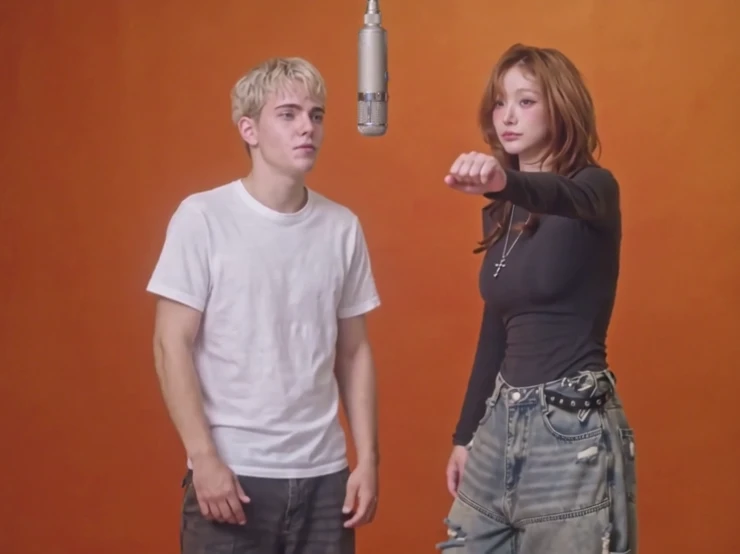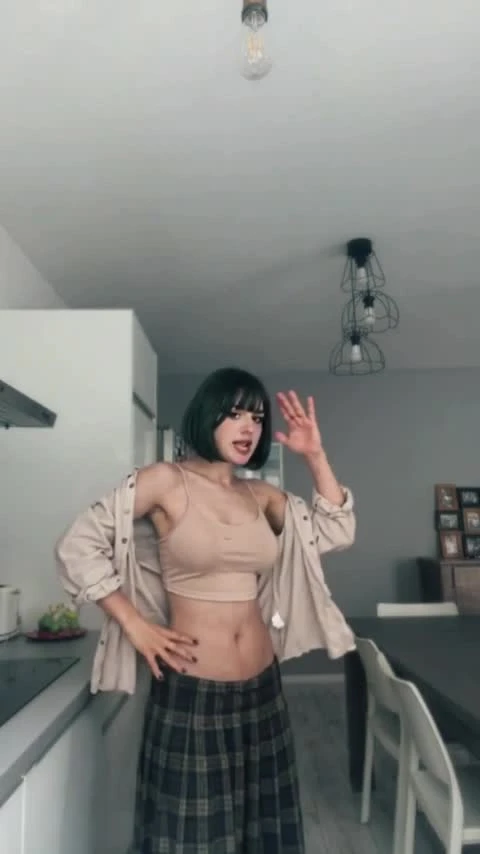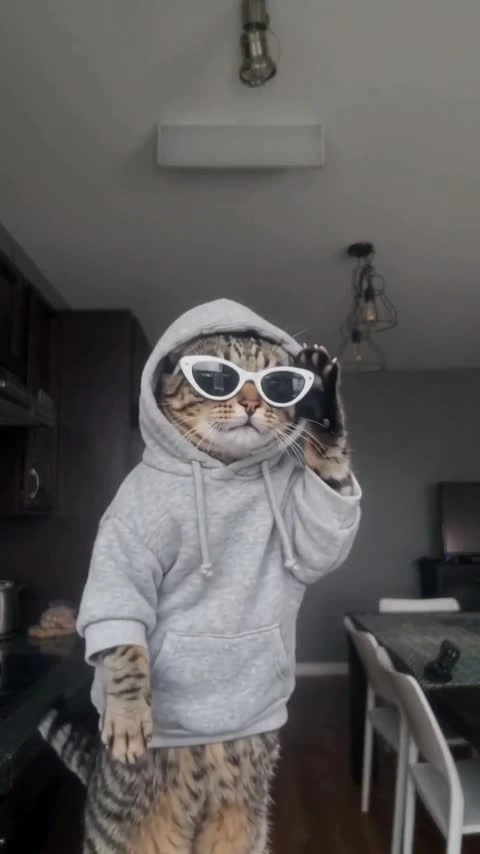
A2O LITE NEON AI Video Template
Two dancers perform the NEON duo choreography in a white studio, with close-ups and a rotated camera shot.
Two dancers perform the NEON duo choreography in a white studio, with close-ups and a rotated camera shot. Add two separate adult photos, one for each role, to generate a silent 15-second version.
White Studio · Duo
User-provided reference · 15.00 seconds · 854×480 · 16:9 · Audio track included · Not a ZoopFizz result
Two dancers perform the NEON duo choreography in a white studio, with close-ups and a rotated camera shot. Add two separate adult photos, one for each role. Generation is available at 15 seconds, 16:9 and silent. The supplied original reference is 15.00 seconds, 854×480, 16:9, with an audio track. It is not a ZoopFizz-generated result or a promise that every generated clip will reproduce it exactly.
Updated
Which photos work best
Adult photo 1
One consenting adult per photo, facing the camera. Keep the face clear and the full body, outfit and shoes visible. Replaces the black-haired dancer, on the left in the duo shots.
Adult photo 2
One consenting adult per photo, facing the camera. Keep the face clear and the full body, outfit and shoes visible. Replaces the light-brown-haired dancer, on the right in the duo shots and alone in the intro.
Keep the pair distinct
Use a different adult in each photo. Avoid filters, covered faces and group photos.
What is A2O LITE NEON AI?
Two dancers perform the NEON duo choreography in a white studio, with close-ups and a rotated camera shot.
An independent NEON-inspired two-person dance template, inspired by the A2O LITE NEON duo intro. ZoopFizz is not affiliated with or endorsed by A2O LITE or A2O Entertainment.
The supplied original reference is 15.00 seconds, 854×480, 16:9, with an audio track. The reference was supplied by the user and was not generated or verified by ZoopFizz.
How to Make an A2O LITE NEON Two-Person Dance VideoHow to make it
- 01
Watch the reference
Watch the complete supplied reference and identify both roles. The supplied original reference is 15.00 seconds, 854×480, 16:9, with an audio track.
- 02
Assign the two photos
Photo 1 replaces the black-haired dancer, on the left in the duo shots; photo 2 replaces the light-brown-haired dancer, on the right in the duo shots and alone in the intro. Both photos are required.
- 03
Add your photos
Confirm permission, then add separate adult photos for both roles. The photos stay local until you choose Create.
- 04
Generate and review
After generation, check both identities, limb shapes, timing and camera changes before sharing. Pay particular attention to close-ups and the rotated shot. Use appropriately licensed audio separately.
AI video template or filming it yourself
Compare the starting material, control and finishing work before you choose.
| Consideration | AI video template | Filming it yourself |
|---|---|---|
| Input | Two separate adult photos with fixed roles | Film both subjects together |
| Scene | Two dancers perform the NEON duo choreography in a white studio, with close-ups and a rotated camera shot. | Arrange the stage, lighting and choreography |
| Control | Reference-based replacement; identity and motion can vary | Direct the performance and edit the recording |
| Availability | Available at 480p with a template-video entitlement; 720p uses credits | Depends on filming and editing |
Frequently asked questions.
Can I generate A2O LITE NEON AI now?
Yes. Assign both adult photos, confirm permission and choose Create. ZoopFizz checks the fixed reference, live model capability, your template-video balance or credits, and the exact price before accepting. If you do not have a template video, the page offers the 1, 3 or 5 video packs.
Can I replace two people?
The template has two required photo roles: photo 1 replaces the black-haired dancer, on the left in the duo shots, and photo 2 replaces the light-brown-haired dancer, on the right in the duo shots and alone in the intro. Actual two-identity replacement has not passed ZoopFizz acceptance testing.
Which photos should I use?
One consenting adult per photo, facing the camera. Keep the face clear and the full body, outfit and shoes visible.
How long is the video?
The supplied original reference is 15.00 seconds, 854×480, 16:9, with an audio track. The planned output draft is 15 seconds at 16:9.
Does it include music?
The supplied reference includes an audio track. The generation draft is silent; ZoopFizz has not enabled music transfer or validated audio rights for this template.
How many credits does it cost?
Template video packs cover 480p generation: $7.99 for one, $19.99 for three or $29.99 for five. A separate credit price of 750 SD / 1,500 HD applies when using credits; Starter and Pro pay 375 / 750, and Unlimited pays 225 / 450. The page confirms the exact entitlement or credit cost before submission.
Is this a ZoopFizz-generated sample?
No. This is a user-provided reference video.
When are the photos uploaded?
The preview stays in this browser while you prepare the draft. Choosing Create uploads both selected photos and the server-managed fixed reference for generation.
Will both identities and the dance match exactly?
No match is guaranteed. Faces, outfits and body proportions may drift, especially during overlaps, close-ups and camera changes. Review the complete generated clip before sharing.