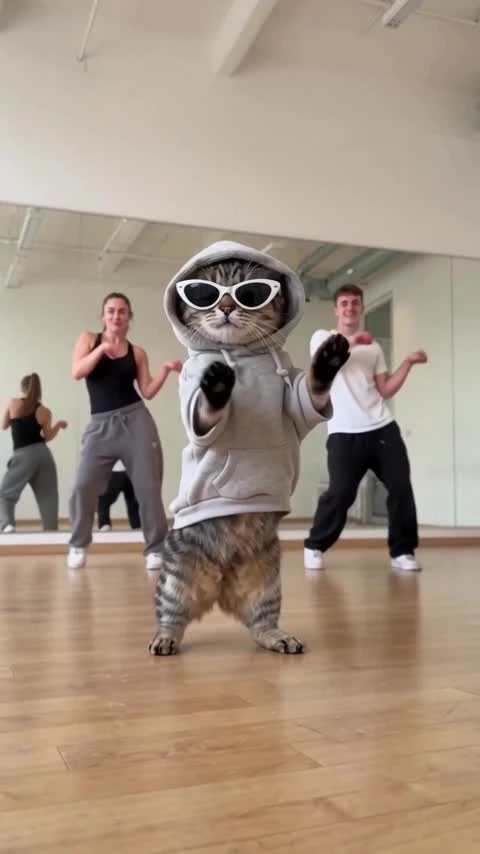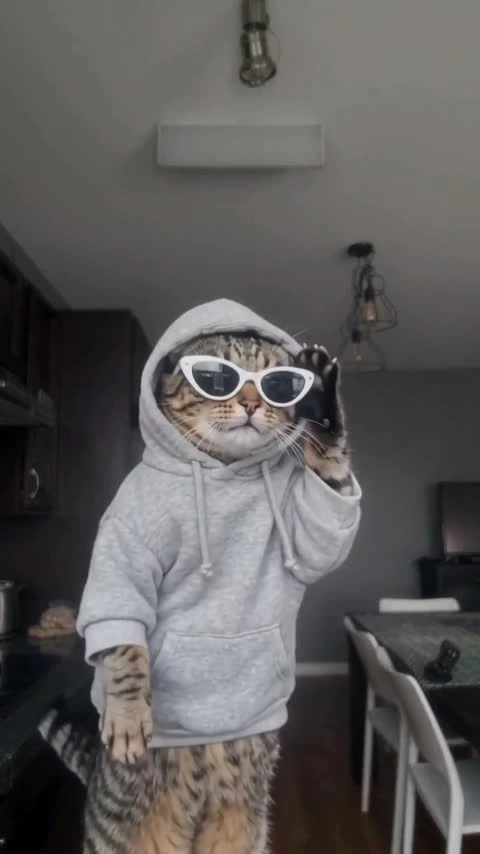
KDA Firestarter AI Pet Video Template
1 pet photo, 14 seconds: a Firestarter dance with glowing wings.
1 pet photo, 14 seconds: a Firestarter dance with glowing wings. Silent video, 16:9.
Firestarter Stage
A fluffy cream-and-grey kitten with glowing pink fairy wings and a jeweled red collar dances on a violet stage. 14.1 seconds, landscape 16:9, with music. Generated videos are 14 seconds and silent.
Give your pet a Firestarter-style stage moment with glowing wings, a jeweled collar and violet lights. Add one clear pet photo to create an upright dance with quick turns and a raised-paw finish. The video is 14 seconds in landscape 16:9 and has no music; add a licensed track after download.
Updated
Which photos work best
Your pet photo
One pet per photo, face clear, full body preferred. A bright shot with visible head, chest and tail helps keep fur markings and proportions recognizable.
Clear fur detail
Use even lighting so coat color, face and markings are easy to see. Avoid heavy filters and motion blur.
The finishing pose
The routine ends with raised paws near the lens. Review paws, wings and collar details before sharing.
What is KDA Firestarter AI Pet?
The Firestarter pet look combines sharp dance gestures with glowing fairy wings, purple haze and sparks. The final paws-up pose brings the animal close to the camera for a playful ending.
The template sets the stage, wings, collar and dance direction. Your pet photo supplies the animal’s appearance. ZoopFizz is not affiliated with any artist, group or brand associated with the template name.
How to Make a KDA Firestarter AI Pet Dance VideoHow to make it
- 01
Choose one pet photo
Use one bright, sharp photo showing the face, chest and body. Keep ears and paws in frame where possible.
- 02
Add your pet
Upload the photo to the pet slot and confirm permission. The stage, wings and collar belong to the template scene.
- 03
Create the stage dance
Choose SD or HD and review your price before selecting Create. The video is 14 seconds in 16:9.
- 04
Review and add sound
Check fur, ears, wings and paws, especially the final pose. Download the silent clip and add licensed music.
AI video template or filming it yourself
Compare the starting material, control and finishing work before you choose.
| Consideration | AI video template | Filming it yourself |
|---|---|---|
| Input | 1 separate pet photo | Subjects, a location and a camera |
| Movement | Template-guided dance; details can vary | Perform and record the routine |
| Format | 14 seconds, 16:9, silent | Choose your own framing and edit |
| Music | Add a licensed track after download | Record or add licensed sound |
Frequently asked questions.
How many photos do I need?
One photo of one pet. A clear full-body photo gives the dance more detail.
Can I upload a person instead?
This template is for pets. Choose a person template for a human dancer.
Can I change the wings or stage?
The violet stage, glowing wings, collar and dance direction are fixed. The pet photo changes the animal’s appearance.
How long is the video?
The video is 14 seconds in landscape 16:9. Choose SD (480p) or HD (720p).
Does it include music?
Generated videos are silent. After downloading, add music in TikTok, Reels or your editor. Choose a track licensed for your account and intended use; the preview soundtrack is not included or licensed for reuse.
Will my pet look exactly like the preview?
Fur, ears, paws, wings and accessories can change between runs. Review the full video, including the raised-paw ending.
What does the Firestarter name describe?
It describes the winged pet dance and violet stage direction. ZoopFizz is not affiliated with any group, brand, artist or track associated with the name.
How much does it cost?
Template video packs include 480p videos: $7.99 for one, $19.99 for three or $29.99 for five. With credits, SD costs 750 and HD costs 1,500 before plan benefits; Starter and Pro pay 375 / 750, and Unlimited pays 225 / 450. Your price is shown before you create.
When are my photos uploaded?
Your photos stay in this browser while you prepare the video. They are uploaded for generation when you choose Create. Finished videos are private to your account.