Bby Wow Guy AI Template
1 photo, 15 seconds: put your guy in the middle of the party floor.
1 photo, 15 seconds: put your guy in the middle of the party floor. Vertical video, no audio.
Party Floor
Generated on ZoopFizz · 480p · 15 seconds · With soundtrack
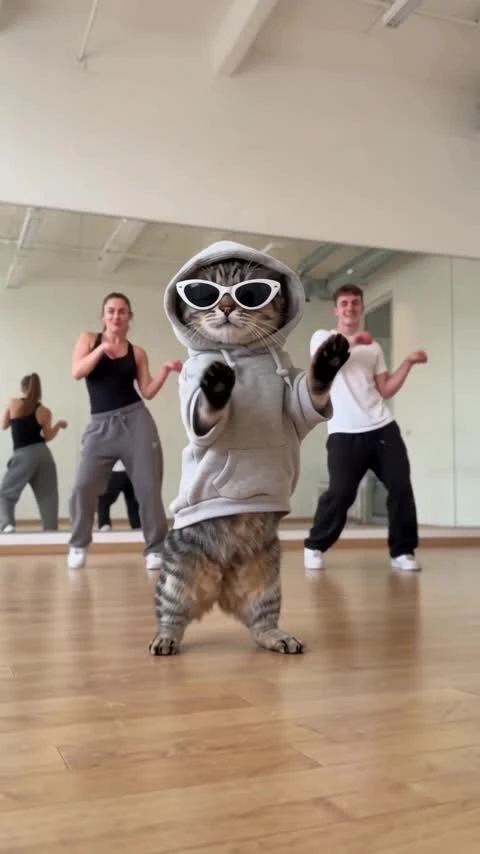
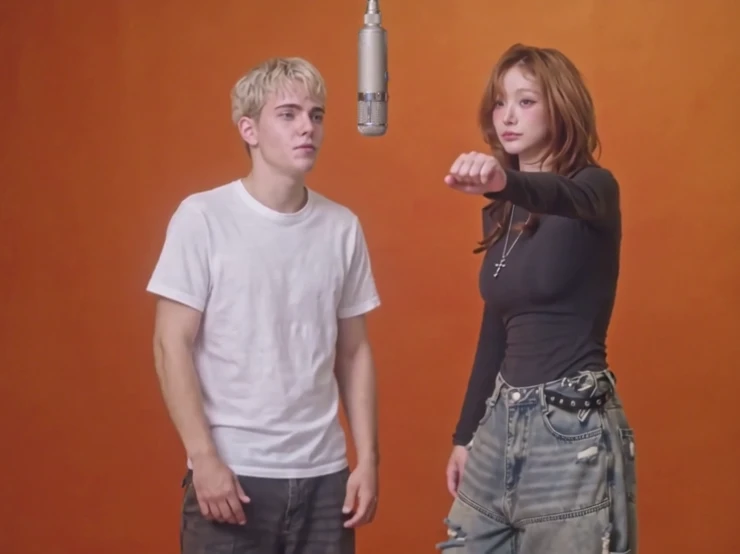
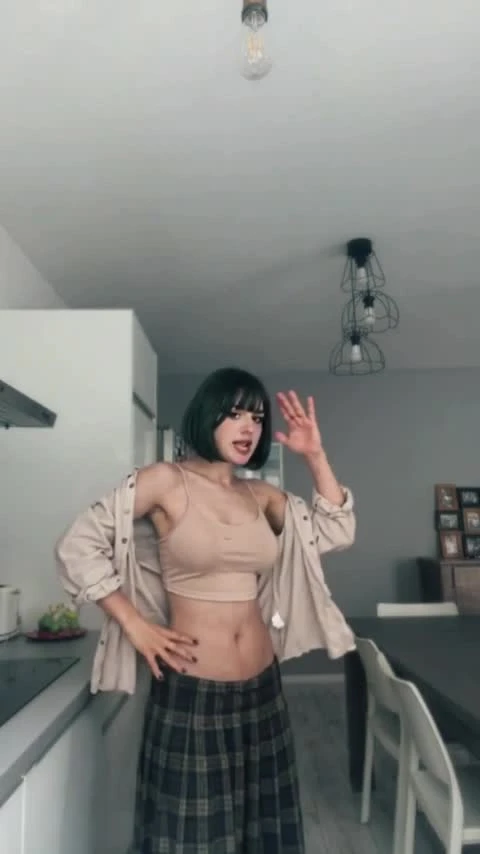
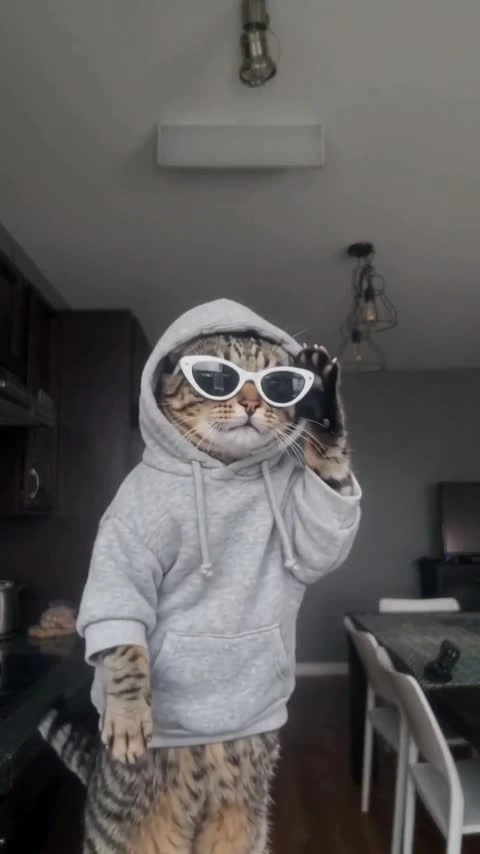
Bby Wow Guy AI puts one person in the middle of a night party dance floor. You add a single photo; the template keeps the reference motion — weight shifts, loose arm swings, a small turn and a pointed finish — inside one continuous 9:16 handheld take across a banquet hall with round tables, gold chairs, floral centerpieces and a blurred crowd of guests. The request is 15 seconds of silent video. Every photo must show a consenting adult, and you need permission from anyone pictured.
Updated
Which photos work best
Photo 1 — the dancer
One adult, face clear. A half-body or full-body photo works; the template reframes the dancer in the middle of the floor.
What stays the same
The banquet hall, the round tables, the softbox, the blurred crowd and the handheld camera all come from the reference, not from your photo.
Outfit and grooming
Clothing follows the reference clip. If the outfit matters, choose a photo where the person is dressed the way you want them to appear.
No minors
The photo must show a consenting adult, and you need permission from anyone pictured. One person per photo.
One dancer owns the middle of the floor
The clip this template follows is a single-take party moment: one man in the middle of a night reception, working small steps and shoulder-led arm swings while guests watch from the tables around him. Nothing else is staged for the camera — the softbox on its stand, the tangle of chairs and the out-of-focus crowd all stay in frame.
That is why the format is reusable: the movement is loose enough to survive a photo swap, and the setting reads as a party within the first second. The template keeps the framing, the floor and the crowd; you change only who is dancing.
This is photo-to-dance generation, not a face swap on a video you upload. Your photo supplies the identity, the fixed reference supplies the choreography and the camera, and the result is a new 15-second clip.
How to make it
- 01
Preview the party floor
Play the showcase to check the framing, the tables and the silent output. The display track is not part of the generated file.
- 02
Add one photo
Choose the photo of the adult who should dance. The preview stays in this browser until you choose Create.
- 03
Confirm settings and price
The request is fixed at 15 seconds, 9:16 and silent. Choose SD or HD and read your account price before submitting.
- 04
Review the clip, then add licensed sound
Check the face, the hands and the feet, then add a track you are licensed to use in your editor.
AI video template or filming it yourself
Compare the starting material, control and finishing work before you choose.
| Consideration | AI video template | Filming it yourself |
|---|---|---|
| Input | One adult photo and a fixed party-floor reference | A camera, a venue and a dancer |
| Motion | Reference-guided; identity and hands need review | Learn and perform the routine |
| Format | 15 seconds, 9:16, silent | Any length and framing you shoot |
| Audio | Add a licensed track in your editor | Record or license a track yourself |
Frequently asked questions.
Can I generate Bby Wow Guy AI now?
Yes. Add one permitted adult photo, confirm permission and choose Create. The server checks the fixed reference, live Wan 3.0 capability, your template-video balance or credits and your exact price before accepting. The generated clip is silent.
How many photos does it need?
One. The template replaces a single dancer, so the background guests, tables and camera stay exactly as in the reference. A group photo is not required and does not add a second dancer.
Is the showcase a ZoopFizz-generated result?
Yes. It was generated on ZoopFizz with Wan 3.0 from one permitted adult photo and a user-provided motion reference; a user-provided track was added for display. The dancer in the showcase is the person in the submitted photo, not the performer in the reference.
Does the generated clip include the track on this page?
No. Generation is silent. The showcase carries a user-provided track added for display, and the generated file does not include it, so add licensed music in your editor. That track is not offered as a download on this page.
Will the face match my photo exactly?
No exact match is promised. The face, hands and clothing need visual review, and the identity can drift during fast turns.
How long is the clip and what shape is it?
The request is 15 seconds in a 9:16 vertical frame, following the reference. The delivered clip is 480x854 at SD, larger at HD, and it is silent.
Can I change the venue or the crowd?
Not in this template. The room, tables, lighting and blurred crowd come from the fixed reference; only the dancing adult is replaced.
Is this a face swap?
No. It is reference-guided video generation: the reference supplies the motion, framing and setting, your photo supplies the identity, and the result is a new clip rather than the original video with a swapped face.
How many credits does it cost?
750 credits at SD (480p) or 1,500 at HD (720p); Starter and Pro pay 375 / 750 and Unlimited pays 225 / 450. Template-video packs cover 480p runs at $7.99 for one, $19.99 for three or $29.99 for five. The page confirms your account price before submission.
When is my photo uploaded?
The preview stays in this browser while you prepare the draft. Choosing Create uploads the selected photo, and it is used only for that generation job.