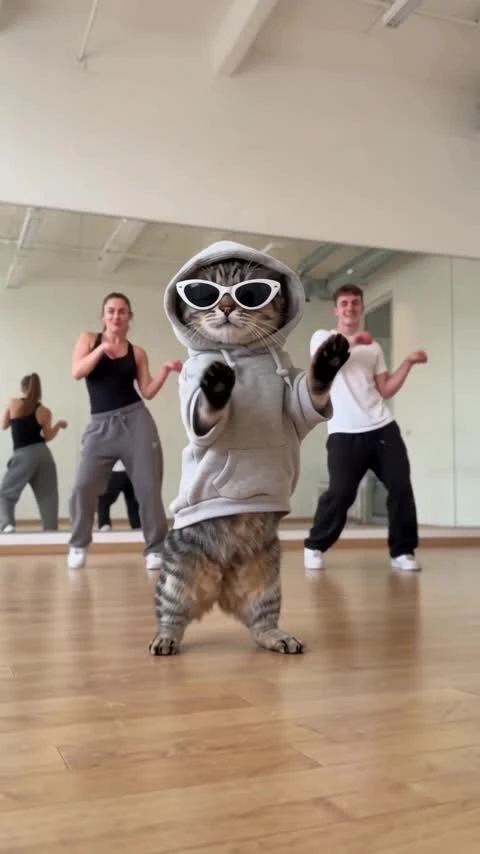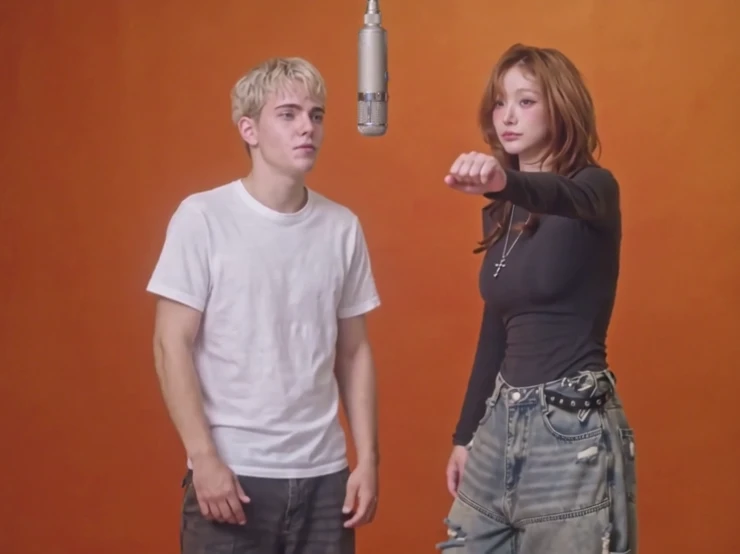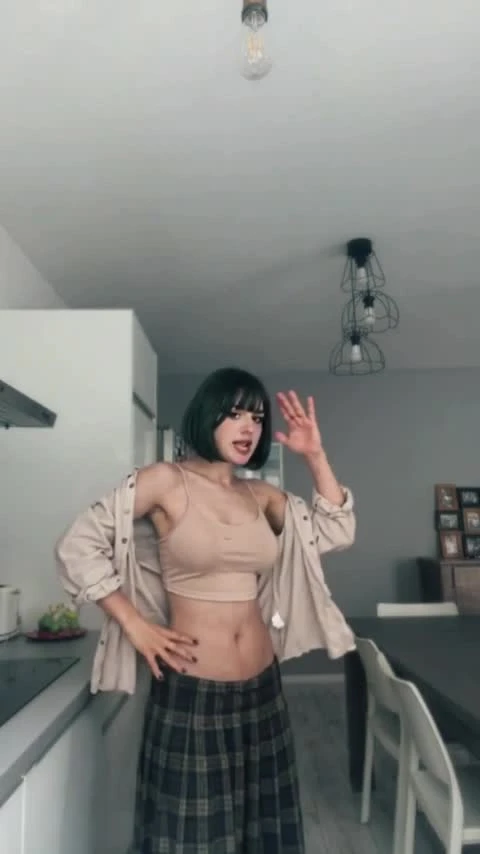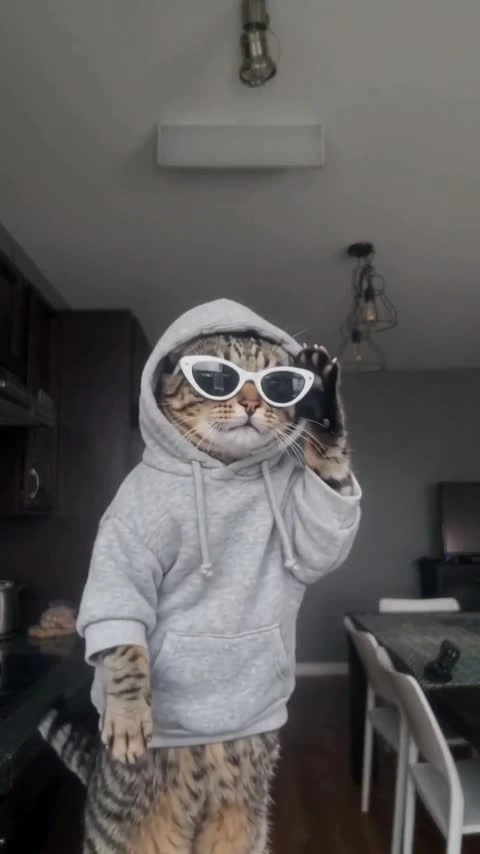
JISOO ADDICTED AI Template
2 photos, 15 seconds: two dancers trade the same hand routine.
2 photos, 15 seconds: two dancers trade the same hand routine. Vertical video, no audio.
Hallway Duo
Generated on ZoopFizz · 480p · 15 seconds · With soundtrack
JISOO ADDICTED AI turns two separate photos into a two-person hallway dance. One dancer starts the same short hand-gesture routine facing the camera, the second steps in later and repeats it, and the clip ends with both standing side by side. The reference is a handheld 9:16 take in a cream hallway with wooden doors and warm cove lighting, and the request is 15 seconds of silent video. Every photo must show a consenting adult with permission from anyone pictured. This page is not affiliated with, endorsed by or sponsored by any artist, label or agency; the template generates a new performance from your own photos.
Updated
Which photos work best
Photo 1 — dark-haired dancer
Photo 1 replaces the dancer who performs first. One adult, face clear; a half-body photo is enough.
Photo 2 — blonde dancer
Photo 2 replaces the dancer who takes over later. Use a separate photo rather than a group shot so the two roles stay distinct.
Distinct identities
Different hair colour and length, skin tone and clothing help the model keep the two dancers apart when the hand-off happens and when both are in frame at the end.
No minors
Both photos must show consenting adults with permission from anyone pictured. The template does not accept children or pets in either role.
Same hallway, same routine, two dancers
The clip this template follows is a hallway performance: one woman in a pale long-sleeve top runs a short routine of pointed fingers, hands drawn to the chest and a light hair touch, then a second woman with blonde hair steps into the same corridor and repeats it before both appear together at the end.
That structure is what makes it reusable. The corridor, the wooden doors and the warm cove lighting never move, so the only thing that changes between versions is who is dancing. The template keeps that setting and the handheld 9:16 framing fixed.
This is photo-to-dance generation, not a face swap on a video you upload. Your two photos supply the identities, the fixed reference supplies the choreography and the camera, and the result is a new 15-second clip of exactly two dancers.
How to make it
- 01
Preview the hallway duo
Play the showcase to see the order, the fixed corridor and the silent output. The display track is not part of the generated file.
- 02
Add two photos
Choose Photo 1 for the first dancer and Photo 2 for the second. The previews stay in this browser until you choose Create.
- 03
Confirm settings and price
The request is fixed at 15 seconds, 9:16 and silent. Choose SD or HD and read your account price before submitting.
- 04
Review the clip, then add licensed sound
Check both faces, the hands and the hand-off, then add a track you are licensed to use in your editor.
AI video template or filming it yourself
Compare the starting material, control and finishing work before you choose.
| Consideration | AI video template | Filming it yourself |
|---|---|---|
| Input | Two separate adult photos and a fixed hallway reference | Two dancers, a camera and a corridor |
| Motion | Reference-guided; identity and hands need review | Learn and perform the routine |
| Format | 15 seconds, 9:16, silent | Any length and framing you shoot |
| Audio | Add a licensed track in your editor | Record or license a track yourself |
Frequently asked questions.
Can I generate JISOO ADDICTED AI now?
Yes. Add one permitted adult photo per dancer, confirm permission and choose Create. The server checks the fixed reference, live Wan 3.0 capability, your template-video balance or credits and your exact price before accepting. The generated clip is silent.
Which photo replaces which dancer?
Photo 1 replaces the dark-haired dancer who performs first; Photo 2 replaces the blonde dancer who takes over later. Both photos are required, one consenting adult each.
Is this official or affiliated with the artist?
No. The template name refers to the dance trend this clip follows. This page is not affiliated with, endorsed by or sponsored by any artist, label or agency, and it does not reproduce any artist's likeness — the dancers in your clip are the people in your own photos.
Is the showcase a ZoopFizz-generated result?
Yes. It was generated on ZoopFizz with Wan 3.0 from two permitted adult photos and a user-provided motion reference; a user-provided track was added for display. The dancers in the showcase are the people in the submitted photos, not the performers in the reference.
Does the generated clip include the track on this page?
No. Generation is silent. The showcase carries a user-provided track added for display, and the generated file does not include it, so add licensed music in your editor. That track is not offered as a download on this page.
Will both faces match my photos exactly?
No exact match is promised. Two-person identity assignment, the hand-off between dancers, hands and clothing need visual review, and one dancer can drift or blend into the other identity.
How long is the clip and what shape is it?
The request is 15 seconds in a 9:16 vertical frame, following the reference. The delivered clip is 480x854 at SD, larger at HD, and it is silent.
Can I change the hallway or the lighting?
Not in this template. The corridor, the wooden doors, the warm cove lighting and the handheld camera come from the fixed reference; only the two dancers are replaced.
How many credits does it cost?
750 credits at SD (480p) or 1,500 at HD (720p); Starter and Pro pay 375 / 750 and Unlimited pays 225 / 450. Template-video packs cover 480p runs at $7.99 for one, $19.99 for three or $29.99 for five. The page confirms your account price before submission.
When are my photos uploaded?
The previews stay in this browser while you prepare the draft. Choosing Create uploads both selected photos, and they are used only for that generation job.