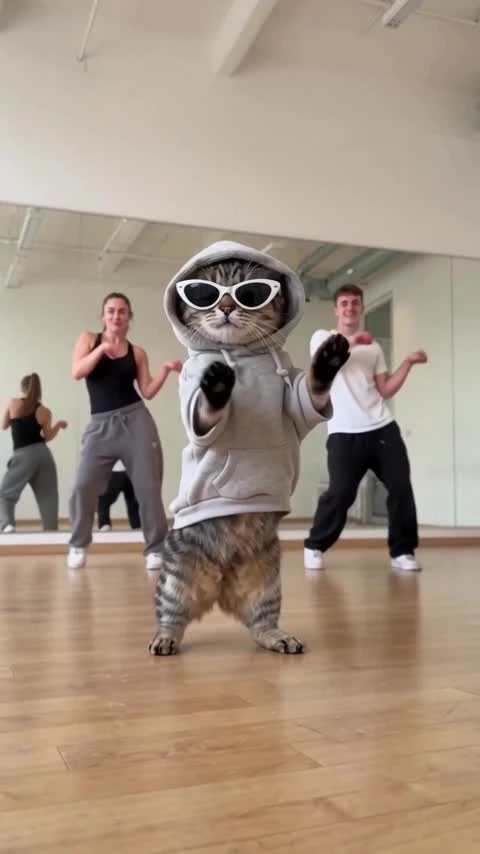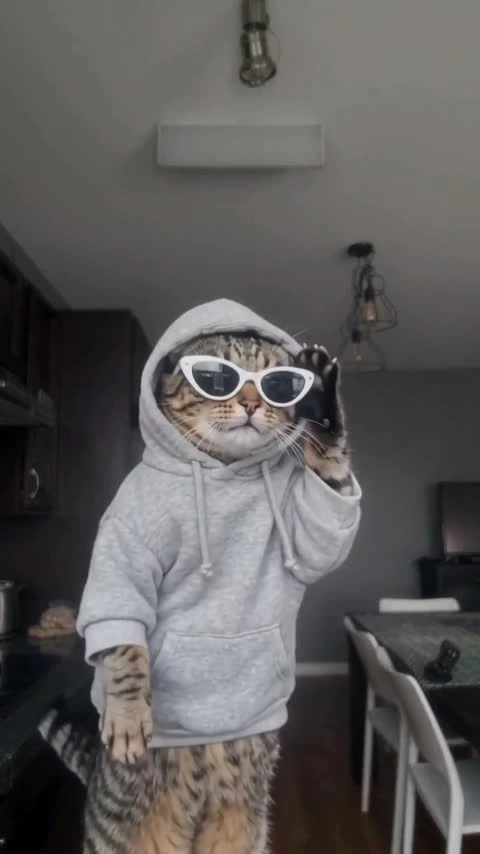
A2O LITE NEON PET AI Video Template
2 pet photos, 15 seconds: a NEON duet on a purple stage.
2 pet photos, 15 seconds: a NEON duet on a purple stage. Silent video, 16:9.
Purple Stage · Pet Duo
Two cats wearing distinct hats and sunglasses dance on a purple stage. 15 seconds, landscape 16:9, with music in the preview. Generated videos are silent.
Make a NEON-inspired pet duet on a purple stage. Add a separate photo for each animal and let the pair take on an upright synchronized routine. The template creates a 15-second landscape 16:9 video without music, so you can add your own soundtrack after downloading.
Updated
Which photos work best
Pet photo 1
One pet per photo, with the face, fur markings, ears and all paws clearly visible. Use a sharp, well-lit full-body photo. Replaces the white pet in the reference.
Pet photo 2
One pet per photo, with the face, fur markings, ears and all paws clearly visible. Use a sharp, well-lit full-body photo. Replaces the golden pet in the reference.
Keep the pair distinct
Choose photos that clearly show each animal’s unique markings. Do not use a group photo.
What is A2O LITE NEON PET AI?
Two pets share the spotlight with synchronized movement, stage lighting and contrasting accessories. Using separate photos helps keep each animal’s face, coat and role distinct.
The Purple Stage · Pet Duo direction fixes the staging, camera and routine. Your inputs are the two pet photos and the output resolution; you do not need to upload or film a dance video.
How to Make an A2O LITE NEON Pet Duo Dance VideoHow to make it
- 01
Pick two pet photos
Choose one bright photo per animal, with clear faces, coat markings and full bodies where possible.
- 02
Assign each role
Add each photo to its matching slot. Avoid a shared group photo.
- 03
Create the duet
Choose SD or HD, confirm permission and review the price before selecting Create.
- 04
Finish with music
Check both pets, paws and movement. Download the silent 15-second 16:9 video and add licensed audio.
AI video template or filming it yourself
Compare the starting material, control and finishing work before you choose.
| Consideration | AI video template | Filming it yourself |
|---|---|---|
| Input | 2 separate pet photos | Subjects, a location and a camera |
| Movement | Template-guided dance; details can vary | Perform and record the routine |
| Format | 15 seconds, 16:9, silent | Choose your own framing and edit |
| Music | Add a licensed track after download | Record or add licensed sound |
Frequently asked questions.
How many photos do I need?
Two separate photos, with one pet in each. Use the matching slots to assign the two animals.
Can I use cats or dogs?
Use clear dog or cat photos. Different species, breeds and body shapes can produce different results.
How long is the video?
The video is 15 seconds in landscape 16:9. Choose SD (480p) or HD (720p).
Does the duet include music?
Generated videos are silent. After downloading, add music in TikTok, Reels or your editor. Choose a track licensed for your account and intended use; the preview soundtrack is not included or licensed for reuse.
Can I change the stage or dance?
The Purple Stage · Pet Duo scene and routine are fixed by the template.
Will both pets stay recognizable?
Faces, fur markings, paws and body shape can vary. Review both animals, especially where they overlap.
How much does it cost?
Template video packs include 480p videos: $7.99 for one, $19.99 for three or $29.99 for five. With credits, SD costs 750 and HD costs 1,500 before plan benefits; Starter and Pro pay 375 / 750, and Unlimited pays 225 / 450. Your price is shown before you create.
When are my photos uploaded?
Your photos stay in this browser while you prepare the video. They are uploaded for generation when you choose Create. Finished videos are private to your account.