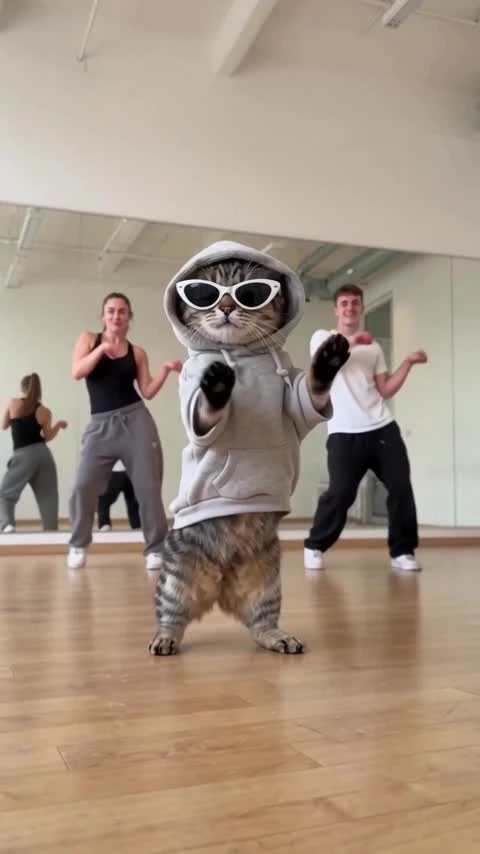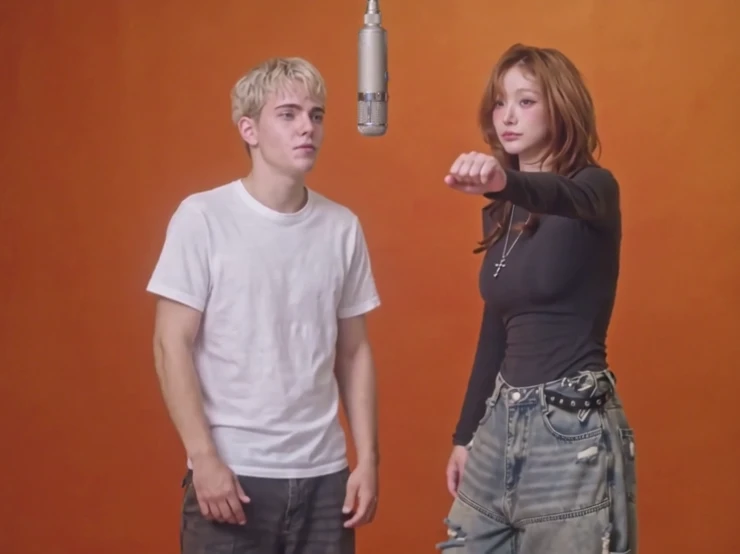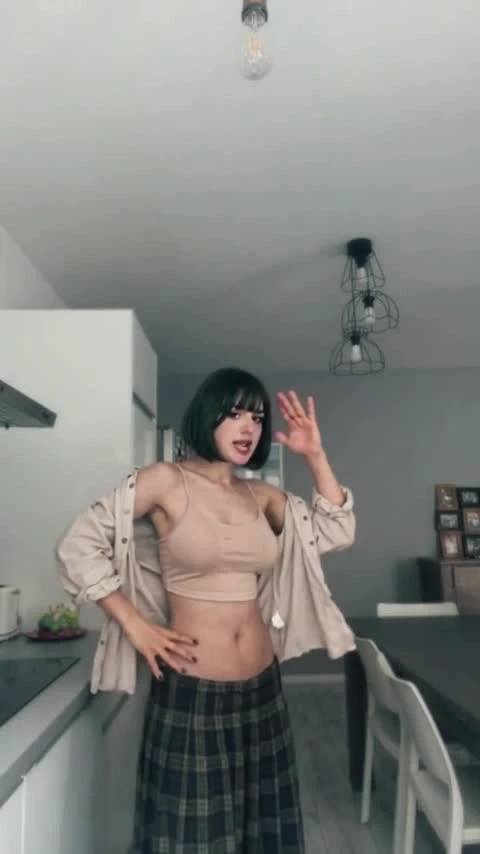
The First Snow EXO AI Video
2 photos, 13 seconds: create The First Snow EXO AI winter dance together.
2 photos, 13 seconds: create The First Snow EXO AI winter dance together. Vertical video, no audio.
First Snow Duo
Two dancers perform a synchronized winter routine under warm golden lights with center lyrics. 12.1 seconds, vertical 9:16, with music. Generated videos are 13 seconds and silent.
Turn two photos into The First Snow EXO AI video: a synchronized winter dance under warm golden lights. Add one clear adult photo for the left dancer and another for the right dancer. You get a 13-second vertical 9:16 video without music, ready to download and finish with a licensed First Snow track in your editor or social app.
Updated
Which photos work best
Left person
Photo 1 maps to the dancer on the left. Use one clear face, with winter clothing visible.
Right person
Photo 2 maps to the dancer on the right. Use a separate image rather than a shared group photo.
Distinct identities
Keep hair, face and accessories visible. A hood or knit hat is supported as a visual reference but can obscure facial details.
What is The First Snow EXO AI video?
The First Snow EXO dance pairs a cozy winter setting with a two-person routine. The dancers begin near the camera, then step back into a synchronized full-body dance under decorative lights.
Use it for a winter greeting, a duo edit or a seasonal social post. You do not need to perform the dance together or film a new scene: choose a separate photo for each role.
The generated video is silent. To finish the First Snow look, add a licensed version of the music and adjust the timing in your publishing app. Check any visible lyrics before sharing.
How to Make The First Snow EXO AI Video from Two PhotosHow to make it
- 01
Choose two adult photos
Use separate photos with one consenting adult each. Keep the face, hair and clothing clear.
- 02
Assign left and right
Add Photo 1 for the left dancer and Photo 2 for the right dancer. Both are required.
- 03
Create the winter dance
Choose SD or HD, confirm permission and review the price. Select Create for a 13-second vertical video.
- 04
Add music and share
Check both faces and any visible lyrics. Download the clip, add licensed music and trim it to the timing you want.
AI video template or filming it yourself
Compare the starting material, control and finishing work before you choose.
| Consideration | AI video template | Filming it yourself |
|---|---|---|
| Input | 2 separate adult photos | Subjects, a location and a camera |
| Movement | Template-guided dance; details can vary | Perform and record the routine |
| Format | 13 seconds, 9:16, silent | Choose your own framing and edit |
| Music | Add a licensed track after download | Record or add licensed sound |
Frequently asked questions.
How do I make The First Snow EXO AI video?
Add two adult photos, one for each dancer. Choose SD or HD, confirm permission, review the price and select Create. Download the finished video and add licensed music.
Which photo replaces each person?
Photo 1 replaces the left dancer; Photo 2 replaces the right dancer. Use separate photos with one consenting adult in each.
Can I use one photo of us together?
Use two separate photos so each image has one clear person and a defined dance role.
How long is the video?
The generated video is 13 seconds in vertical 9:16. Choose SD (480p) or HD (720p).
Does it include EXO’s The First Snow music?
Generated videos are silent. After downloading, add music in TikTok, Reels or your editor. Choose a track licensed for your account and intended use; the preview soundtrack is not included or licensed for reuse.
Can I keep the lyrics?
Lyrics may appear in the scene, but generated text can change. Check every line and correct or add captions in your editor if needed.
Will our faces and outfits match exactly?
Likeness, clothing, hands and motion can vary. Watch both dancers through the full routine before publishing.
How much does it cost?
Template video packs include 480p videos: $7.99 for one, $19.99 for three or $29.99 for five. With credits, SD costs 750 and HD costs 1,500 before plan benefits; Starter and Pro pay 375 / 750, and Unlimited pays 225 / 450. Your price is shown before you create.
When are my photos uploaded?
Your photos stay in this browser while you prepare the video. They are uploaded for generation when you choose Create. Finished videos are private to your account.